
djx David Johnson explains the simplest process of preparing Autodesk Maya for a linear workflow using Mental Ray… Two easy steps, and a few other things to remember… but two easy steps.
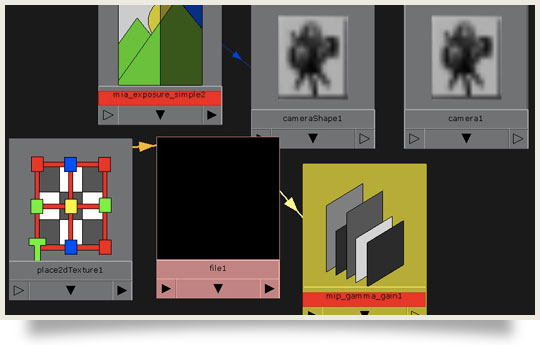
djx David Johnson explains the simplest process of preparing Autodesk Maya for a linear workflow using Mental Ray… Two easy steps, and a few other things to remember… but two easy steps.

 A Complete Guide to Walk Cycle Animation

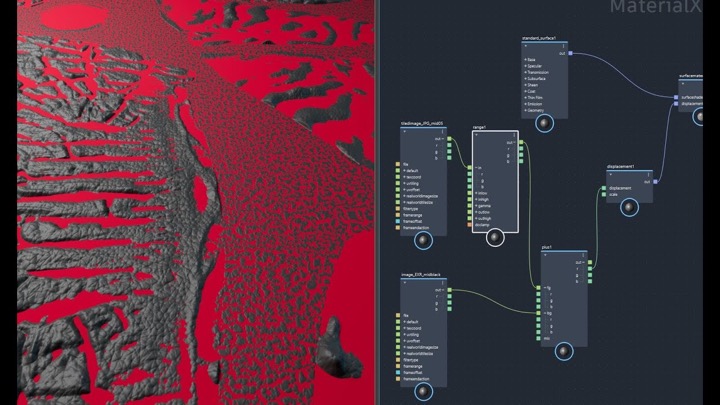 How to Mix Two Displacement Maps With Maya MaterialX Graph
 An Introduction to MaterialX Data Model in Maya LookdevX
© 2026 Lesterbanks.
Also be sure to turn ‘screen composite’ off if you are using the misss_fast_skin shader with a linear workflow. I learned that the hard way.
Actually I should mention that ‘screen composite’ should also be turned off if you are using any tone mapping at all (like physical sun+sky, which connects the mia_exposure automatically to your camera). The screen composite clamps the value of the output of the shader to 1 which creates undesirable results in the renderer.
thanks for the tip!