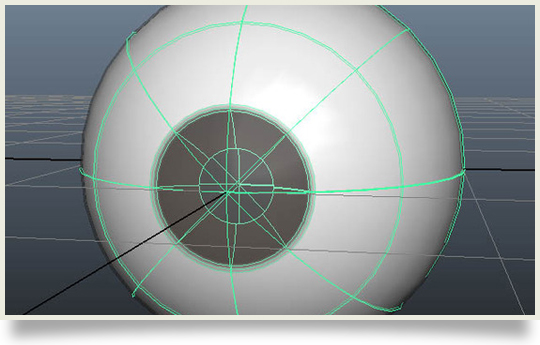
Leo Moon with this first public release of lmEyeMaker script that will make a complete textured eye…Why? Because he got tired of making the same thing over and over again or spending a long time finding an eye inside an old project to bring it into the new one! No one has to do that again! – good thinking Leo…Good thinking.
Just copy the lmEyeMaker.mel to your scripts folder.Run Maya and type “lmEyeMaker” to make one eye. If you run it again to generate another eye, the textures won’t be duplicated. The script will check for the shaders. If they exist, it won’t make it again.