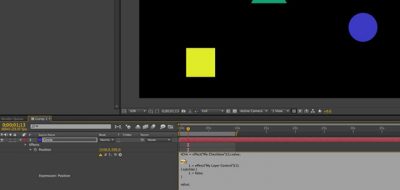
Working with JavaScript math inside of After Effects Expressions, Dylan Winter shows how you are able to create different states that can repeat and loop.
We’ll be getting to know the Sine function and assign its value to three different “states” for our layer, quickly allowing us to cycle through them and create intermittent effects
By using a Sine Wave, Dylan looks at how you can create and assign multiple “possible” states using expressions and in “if” statement in After Effects as a toggle between the various states. In this case, Dylan creates motion for a layer using the After Effects sin expression and explains how the sine wave can be employed to create loop-able animation.