Hit enter to search or ESC to close
Close Search
Lesterbanks
search
Menu
  • Daily News
  • Features
    • Articles
    • Featured Tutorials
  • Articles
  • Tutorial Library
    • After Effects Tutorials
      • Animation
      • Motion Graphics
      • Compositing
    • Blender Tutorials
      • Modeling
      • Dynamics
      • Rendering
    • Cinema 4D tutorial
      • Cinema 4D Modeling Tutorials
      • Cinema 4D Animation Tutorials
      • Cinema 4D Rendering Tutorials
      • Cinema 4D Xpresso Tutorials
    • Maya Tutorials
      • Modeling
      • Animation
      • Dynamics
      • Rigging
      • Texturing
      • Rendering
    • Mocha Tutorials
      • Tracking
      • Removal
      • Rotoscoping
    • MudBox Tutorials
      • Sculpting
      • Workflow
    • Nuke Tutorials
    • Houdini Tutorials
    • RealFlow Tutorials
    • Rendering Tutorials
      • Arnold Render Tutorials
      • V-Ray Tutorials
    • Softimage Tutorials
    • SynthEyes Tutorials
    • ZBrush Tutorials
  • Contribute
  • About
  • Contact
  • search
  • Menu
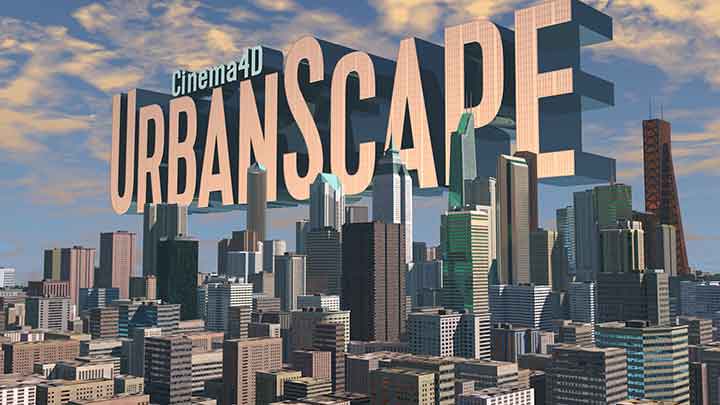
Check Out UrbanScape, a New 3D City and Environment Rig for C4D
Cinema 4D

Check Out UrbanScape, a New 3D City and Environment Rig for C4D

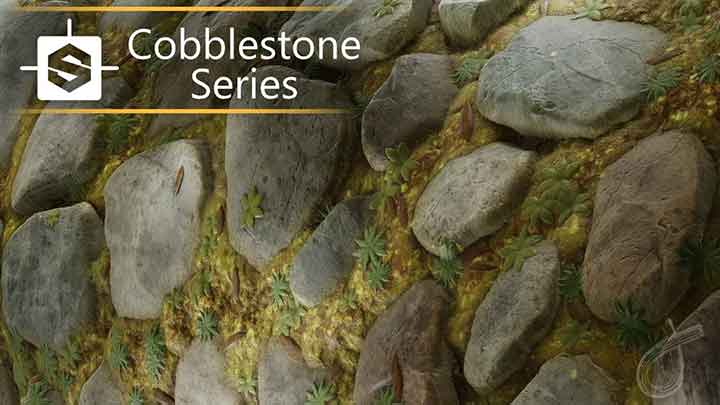
Make a Realistic Cobblestone Material in Designer from Scratch
Substance Designertutorials

Make a Realistic Cobblestone Material in Designer from Scratch

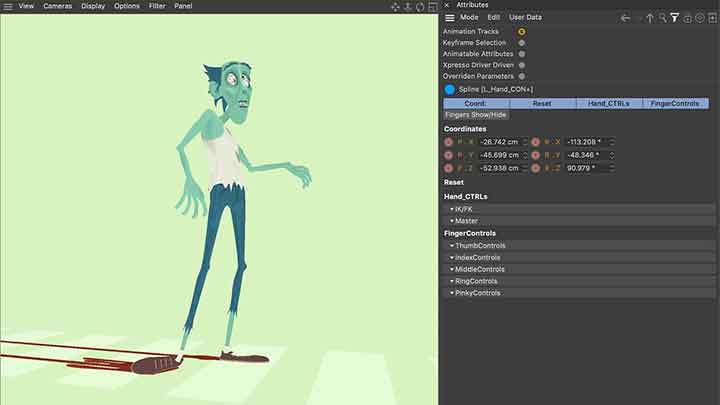
How to Filter Only Animated Attributes in R23
Cinema 4DCinema 4D tutorial

How to Filter Only Animated Attributes in R23

How to Create Stylized Impact Smoke in C4D
Cinema 4DCinema 4D tutorialtutorials

How to Create Stylized Impact Smoke in C4D

AutoFill Automatically Grows Fills on Layers in Ae
after effects

AutoFill Automatically Grows Fills on Layers in Ae

Working With Original Geometry Input in Maya Deformers
mayamaya rigging tutorialsmaya tutorialstutorials

Working With Original Geometry Input in Maya Deformers

Quickly Create an Animated Background With Ball Action
after effectsafter effects tutorialstutorials

Quickly Create an Animated Background With Ball Action

Tips for Working With Meshes in Moho
mohotutorials

Tips for Working With Meshes in Moho

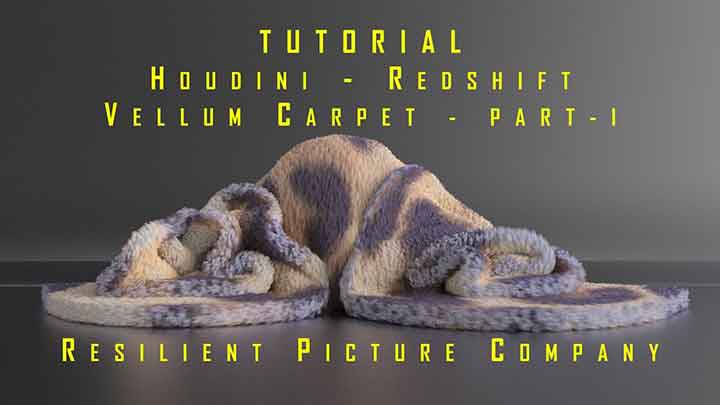
How to Dynamically Ruffle a Carpet Using Vellum
houdiniHoudini DynamicsHoudini tutorialtutorials

How to Dynamically Ruffle a Carpet Using Vellum

Fancy Colors is a Free Ae Preset That Helps Find Schemes
after effects

Fancy Colors is a Free Ae Preset That Helps Find Schemes

  • Previous
  • 1
  • …
  • 249
  • 250
  • 251
  • 252
  • 253
  • …
  • 1,778
  • Next
  • 4 Tips to Create Better Underwater Scenes With C4D and Redshift May 1, 2024
  • Siggraph Asia 2024 December 13, 2024
  • How to Relight VFX Elements Using a Normal Pass in After Effects December 3, 2021
  • Sauce 2 — Procrastination, from Animade November 20, 2016

LesterBanks Cookie Policy

Terms and Conditions

Disclosures


© 2025 Lesterbanks.

  • x-twitter
  • youtube
Close Menu
  • Daily News
  • Features
    • Articles
    • Featured Tutorials
  • Articles
  • Tutorial Library
    • After Effects Tutorials
      • Animation
      • Motion Graphics
      • Compositing
    • Blender Tutorials
      • Modeling
      • Dynamics
      • Rendering
    • Cinema 4D tutorial
      • Cinema 4D Modeling Tutorials
      • Cinema 4D Animation Tutorials
      • Cinema 4D Rendering Tutorials
      • Cinema 4D Xpresso Tutorials
    • Maya Tutorials
      • Modeling
      • Animation
      • Dynamics
      • Rigging
      • Texturing
      • Rendering
    • Mocha Tutorials
      • Tracking
      • Removal
      • Rotoscoping
    • MudBox Tutorials
      • Sculpting
      • Workflow
    • Nuke Tutorials
    • Houdini Tutorials
    • RealFlow Tutorials
    • Rendering Tutorials
      • Arnold Render Tutorials
      • V-Ray Tutorials
    • Softimage Tutorials
    • SynthEyes Tutorials
    • ZBrush Tutorials
  • Contribute
  • About
  • Contact