Hit enter to search or ESC to close
Close Search
Lesterbanks
search
Menu
  • Daily News
  • Features
    • Articles
    • Featured Tutorials
  • Articles
  • Tutorial Library
    • After Effects Tutorials
      • Animation
      • Motion Graphics
      • Compositing
    • Blender Tutorials
      • Modeling
      • Dynamics
      • Rendering
    • Cinema 4D tutorial
      • Cinema 4D Modeling Tutorials
      • Cinema 4D Animation Tutorials
      • Cinema 4D Rendering Tutorials
      • Cinema 4D Xpresso Tutorials
    • Maya Tutorials
      • Modeling
      • Animation
      • Dynamics
      • Rigging
      • Texturing
      • Rendering
    • Mocha Tutorials
      • Tracking
      • Removal
      • Rotoscoping
    • MudBox Tutorials
      • Sculpting
      • Workflow
    • Nuke Tutorials
    • Houdini Tutorials
    • RealFlow Tutorials
    • Rendering Tutorials
      • Arnold Render Tutorials
      • V-Ray Tutorials
    • Softimage Tutorials
    • SynthEyes Tutorials
    • ZBrush Tutorials
  • Contribute
  • About
  • Contact
  • search
  • Menu
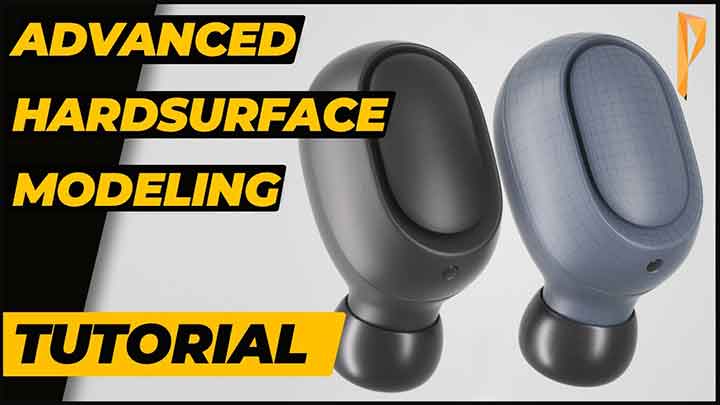
How to Model Earbuds With Cinema 4D
Cinema 4DCinema 4D Modeling TutorialsCinema 4D tutorial

How to Model Earbuds With Cinema 4D

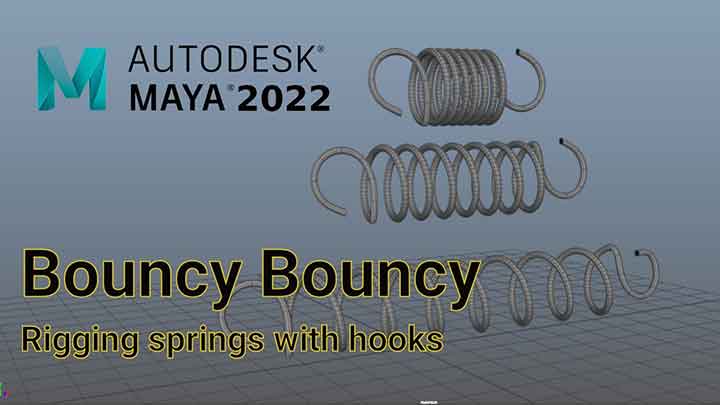
An Easy Way to Rig a Spring in Maya
mayamaya tutorials

An Easy Way to Rig a Spring in Maya

A Workflow to Create Simple Stylized Plants With Zbrush, Maya, and Painter
mayamaya tutorialsSubstance Painterzbrush

A Workflow to Create Simple Stylized Plants With Zbrush, Maya, and Painter

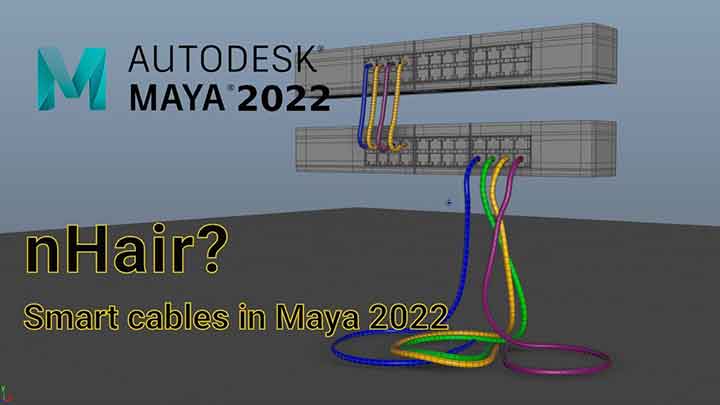
Dynamic Cables in Maya
mayamaya dynamics tutorialmaya tutorials

How to Quickly Make Dynamic Cables in Maya

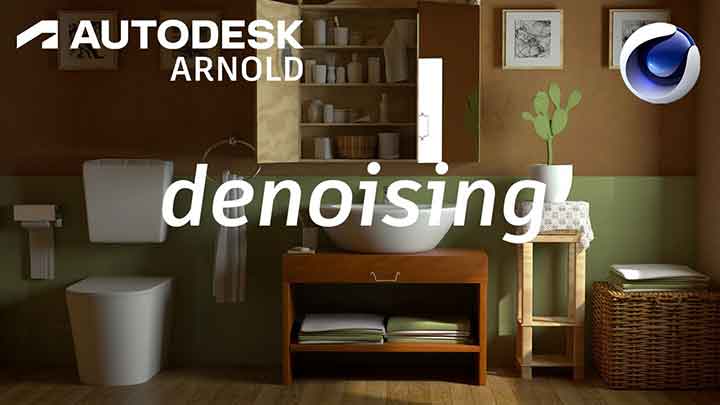
How to Denoise With Arnold in Maya and C4D
Arnold Render

How to Denoise With Arnold in Maya and C4D

How to Easily Remove Lens Dirt in After Effects
after effectsafter effects tutorials

How to Easily Remove Lens Dirt in After Effects

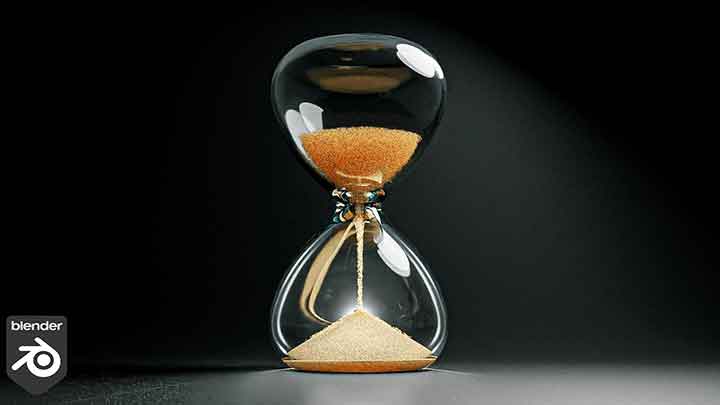
How to Simulate Sand With Blender
blender3dBlender3D tutorials

How to Simulate Sand With Blender

How to Easily Reset the Coordinates of Objects in C4D
Cinema 4DCinema 4D tutorial

How to Easily Reset the Coordinates of Objects in C4D

How to Make Clean Splines from Blocking Using Animation Spaces in Maya
mayaMaya Animation Tutorialsmaya tutorials

How to Make Clean Splines from Blocking by Switching Spaces in Maya

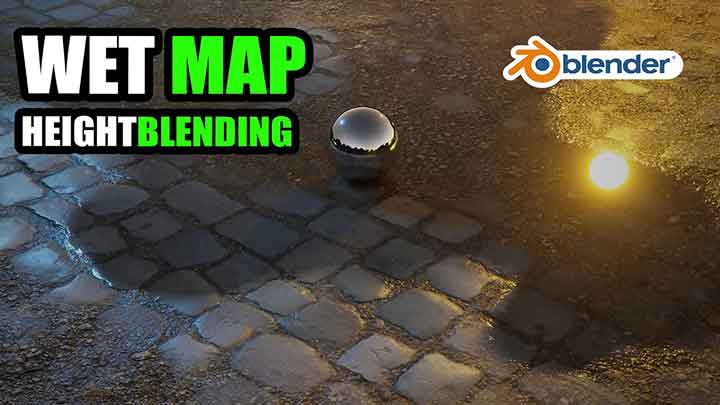
Terrain and Wet Map in Blender EEVEE
blender3dBlender3D tutorials

How to Create a Terrain and Wet Map in Blender EEVEE

  • Previous
  • 1
  • …
  • 117
  • 118
  • 119
  • 120
  • 121
  • …
  • 1,778
  • Next
  • 4 Tips to Create Better Underwater Scenes With C4D and Redshift May 1, 2024
  • Siggraph Asia 2024 December 13, 2024
  • How to Relight VFX Elements Using a Normal Pass in After Effects December 3, 2021
  • Sauce 2 — Procrastination, from Animade November 20, 2016

LesterBanks Cookie Policy

Terms and Conditions

Disclosures


© 2025 Lesterbanks.

  • x-twitter
  • youtube
Close Menu
  • Daily News
  • Features
    • Articles
    • Featured Tutorials
  • Articles
  • Tutorial Library
    • After Effects Tutorials
      • Animation
      • Motion Graphics
      • Compositing
    • Blender Tutorials
      • Modeling
      • Dynamics
      • Rendering
    • Cinema 4D tutorial
      • Cinema 4D Modeling Tutorials
      • Cinema 4D Animation Tutorials
      • Cinema 4D Rendering Tutorials
      • Cinema 4D Xpresso Tutorials
    • Maya Tutorials
      • Modeling
      • Animation
      • Dynamics
      • Rigging
      • Texturing
      • Rendering
    • Mocha Tutorials
      • Tracking
      • Removal
      • Rotoscoping
    • MudBox Tutorials
      • Sculpting
      • Workflow
    • Nuke Tutorials
    • Houdini Tutorials
    • RealFlow Tutorials
    • Rendering Tutorials
      • Arnold Render Tutorials
      • V-Ray Tutorials
    • Softimage Tutorials
    • SynthEyes Tutorials
    • ZBrush Tutorials
  • Contribute
  • About
  • Contact