Hit enter to search or ESC to close
Close Search
Lesterbanks
search
Menu
  • Daily News
  • Features
    • Articles
    • Featured Tutorials
  • Articles
  • Tutorial Library
    • After Effects Tutorials
      • Animation
      • Motion Graphics
      • Compositing
    • Blender Tutorials
      • Modeling
      • Dynamics
      • Rendering
    • Cinema 4D tutorial
      • Cinema 4D Modeling Tutorials
      • Cinema 4D Animation Tutorials
      • Cinema 4D Rendering Tutorials
      • Cinema 4D Xpresso Tutorials
    • Maya Tutorials
      • Modeling
      • Animation
      • Dynamics
      • Rigging
      • Texturing
      • Rendering
    • Mocha Tutorials
      • Tracking
      • Removal
      • Rotoscoping
    • MudBox Tutorials
      • Sculpting
      • Workflow
    • Nuke Tutorials
    • Houdini Tutorials
    • RealFlow Tutorials
    • Rendering Tutorials
      • Arnold Render Tutorials
      • V-Ray Tutorials
    • Softimage Tutorials
    • SynthEyes Tutorials
    • ZBrush Tutorials
  • Contribute
  • About
  • Contact
  • search
  • Menu
3Danimation

MegaComputeur’s “Play-Off”

3Danimation

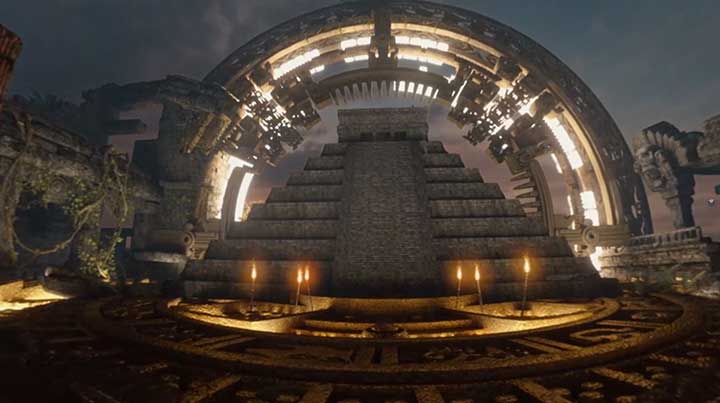
Eclipses in Ancient Lore – 360 / VR Video Animation

animation

Scent of Geranium, Naghmeh Farzaneh

Filling Volume in Houdini For Some Nice Abstract Images
houdiniHoudini tutorialtutorials

Filling Volume in Houdini For Some Nice Abstract Images

Working With Substance Assets in Arnold for C4D
Arnold RenderCinema 4DCinema 4D Rendering TutorialsCinema 4D tutorialtutorials

Working With Substance Assets in Arnold for C4D

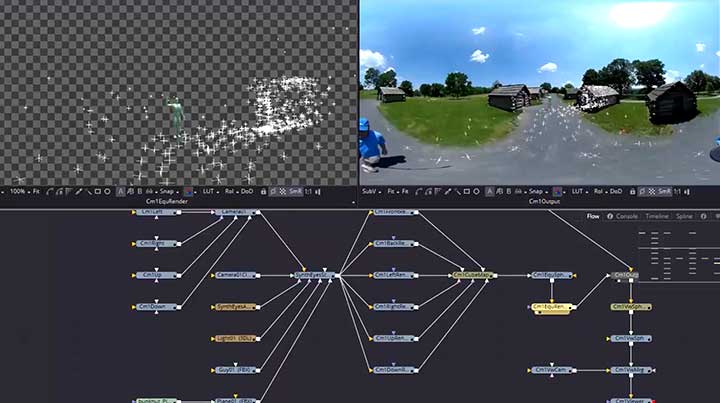
SynthEyes Adds New Exporters and Improvements
SynthEyes

SynthEyes Adds New Exporters and Improvements

How To Get Silky Smooth Surfaces With RealFlow & C4D
Cinema 4DCinema 4D Rendering TutorialsCinema 4D tutorialrealflowtutorials

How To Get Silky Smooth Surfaces With RealFlow & C4D

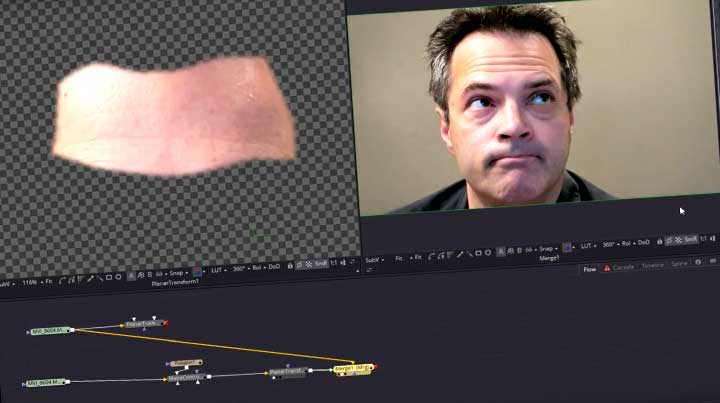
Fusion Studio's planar tracker
Fusiontutorials

Removing Wrinkles With Fusion Studio’s New Planar Tracker

Making Interconnected Elements in After Effects
after effectsAfter Effects Motion Graphics Tutorialsafter effects tutorialstutorials

Making Interconnected Elements in After Effects

How To use Arnold Procedurals in a MASH Network
Arnold RendermayaMaya MASH Tutorialsmaya rendering tutorialsmaya tutorialstutorials

How To use Arnold Procedurals in a MASH Network

  • Previous
  • 1
  • …
  • 582
  • 583
  • 584
  • 585
  • 586
  • …
  • 1,067
  • Next
  • 4 Tips to Create Better Underwater Scenes With C4D and Redshift May 1, 2024
  • Sauce 2 — Procrastination, from Animade November 20, 2016
  • Siggraph Asia 2024 December 13, 2024
  • How to Relight VFX Elements Using a Normal Pass in After Effects December 3, 2021

LesterBanks Cookie Policy

Terms and Conditions

Disclosures


© 2026 Lesterbanks.

  • x-twitter
  • youtube
Close Menu
  • Daily News
  • Features
    • Articles
    • Featured Tutorials
  • Articles
  • Tutorial Library
    • After Effects Tutorials
      • Animation
      • Motion Graphics
      • Compositing
    • Blender Tutorials
      • Modeling
      • Dynamics
      • Rendering
    • Cinema 4D tutorial
      • Cinema 4D Modeling Tutorials
      • Cinema 4D Animation Tutorials
      • Cinema 4D Rendering Tutorials
      • Cinema 4D Xpresso Tutorials
    • Maya Tutorials
      • Modeling
      • Animation
      • Dynamics
      • Rigging
      • Texturing
      • Rendering
    • Mocha Tutorials
      • Tracking
      • Removal
      • Rotoscoping
    • MudBox Tutorials
      • Sculpting
      • Workflow
    • Nuke Tutorials
    • Houdini Tutorials
    • RealFlow Tutorials
    • Rendering Tutorials
      • Arnold Render Tutorials
      • V-Ray Tutorials
    • Softimage Tutorials
    • SynthEyes Tutorials
    • ZBrush Tutorials
  • Contribute
  • About
  • Contact