
Aharon Rabinowitz shows how to use a displacement map effect in Ae to create some digital distortion blocks on footage. Aharon shows how to create the digital blocks using the versatile fractal noise effect, and also shows a great trick for getting the displacement maps to essentially ignore the black areas in the displacement to achieve the effect. Finally the Red Giant Holomatrix plugin is used to finish off the effect, giving it an old monitor type of look.
Quickly Adding Digital Distortion Blocks to Footage in Ae

Related Posts
 Ruxin Liang Shares a Workflow Tip for Keeping Ornatrix Grooms Feeling Fast
Ruxin Liang Shares a Workflow Tip for Keeping Ornatrix Grooms Feeling Fast

lesterbanksJuly 17, 2026
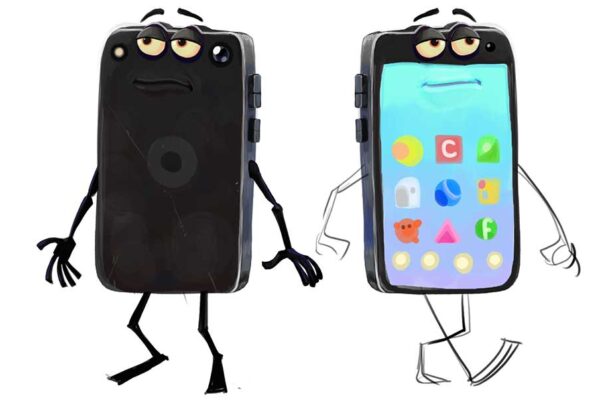 Get the Character Rig From Brent Forrest’s Like and Follow Short
Get the Character Rig From Brent Forrest’s Like and Follow Short
lesterbanksJune 10, 2026
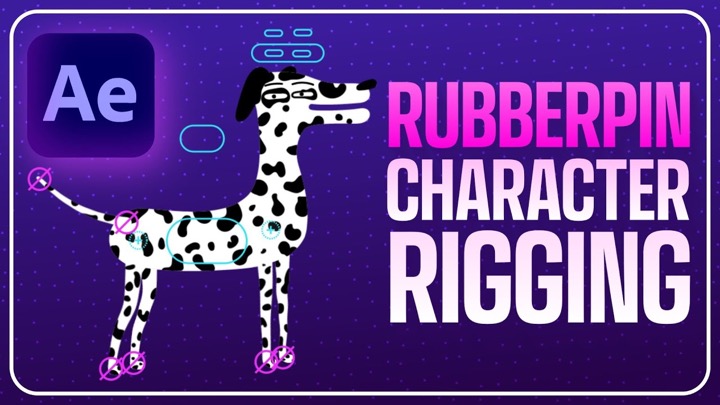 How to Quickly Rig Characters in AE With Rubberpin
How to Quickly Rig Characters in AE With Rubberpin
lesterbanksApril 30, 2024