Hit enter to search or ESC to close
Close Search
Lesterbanks
search
Menu
  • Daily News
  • Features
    • Articles
    • Featured Tutorials
  • Articles
  • Tutorial Library
    • After Effects Tutorials
      • Animation
      • Motion Graphics
      • Compositing
    • Blender Tutorials
      • Modeling
      • Dynamics
      • Rendering
    • Cinema 4D tutorial
      • Cinema 4D Modeling Tutorials
      • Cinema 4D Animation Tutorials
      • Cinema 4D Rendering Tutorials
      • Cinema 4D Xpresso Tutorials
    • Maya Tutorials
      • Modeling
      • Animation
      • Dynamics
      • Rigging
      • Texturing
      • Rendering
    • Mocha Tutorials
      • Tracking
      • Removal
      • Rotoscoping
    • MudBox Tutorials
      • Sculpting
      • Workflow
    • Nuke Tutorials
    • Houdini Tutorials
    • RealFlow Tutorials
    • Rendering Tutorials
      • Arnold Render Tutorials
      • V-Ray Tutorials
    • Softimage Tutorials
    • SynthEyes Tutorials
    • ZBrush Tutorials
  • Contribute
  • About
  • Contact
  • search
  • Menu
How to Create a Responsive Mask in After Effects With Expressions
after effectsAfter Effects Motion Graphics Tutorialsafter effects tutorials

How to Create a Responsive Mask in After Effects With Expressions

Getting Started With Marvelous Designer
Marvelous Designer

Getting Started With Marvelous Designer

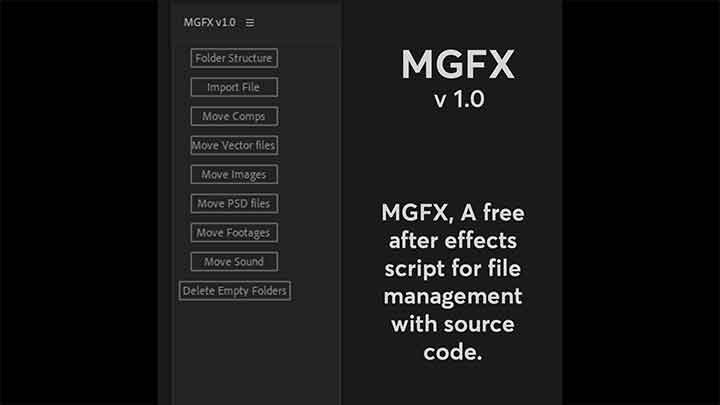
MGFX is a Free Tool for After Effects That Helps With File Management MGFX is a Free Tool for After Effects That Helps With File Management
after effects

MGFX is a Free Tool for After Effects That Helps With File Management

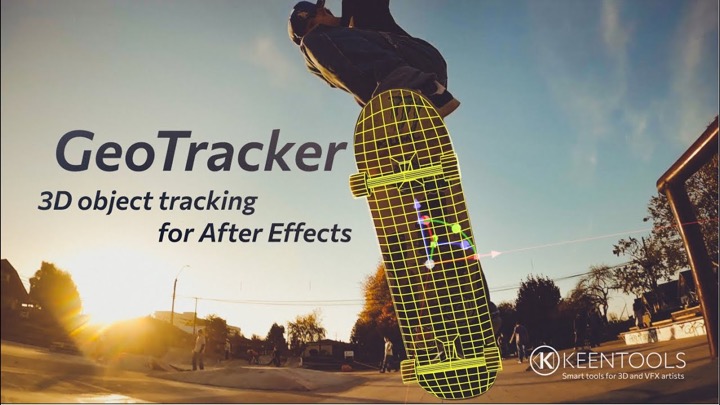
GeoTracker Brings 3D Object Tracking to After Effects
after effects

GeoTracker Brings 3D Object Tracking to After Effects

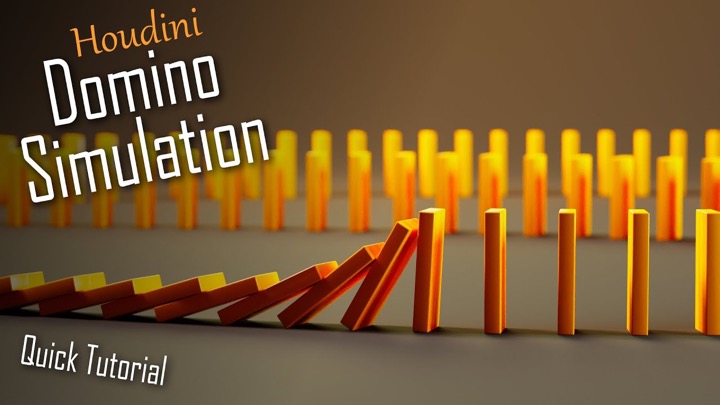
How to Quickly Create a Domino Sim in Houdini
houdiniHoudini DynamicsHoudini tutorial

How to Quickly Create a Domino Sim in Houdini

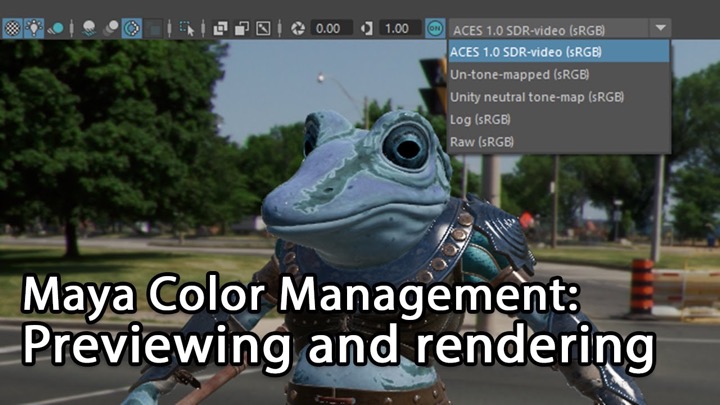
A Guide to Working With Color Management When Preview and Rendering in Maya
mayamaya tutorials

A Guide to Working With Color Management When Preview and Rendering in Maya

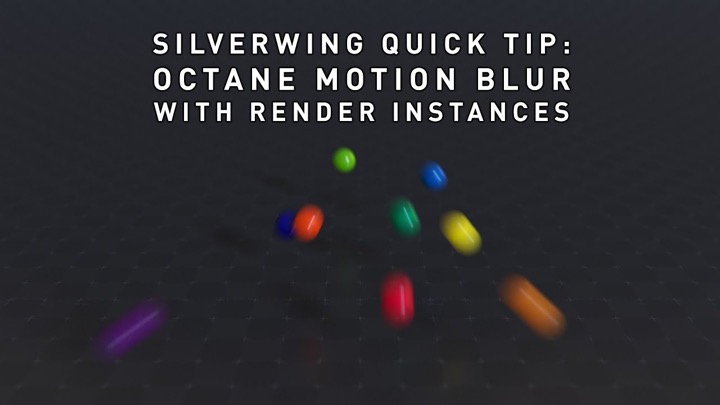
How to Get Correct Motion Blur When Using Render Instances in Octane
Cinema 4DCinema 4D Rendering TutorialsCinema 4D tutorialoctane

How to Get Correct Motion Blur When Using Render Instances in Octane

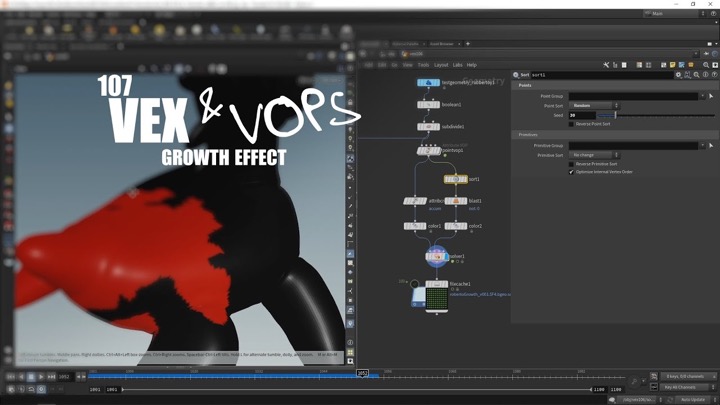
How to Create a Growth Effect using VEX in Houdini
houdiniHoudini tutorialHoudini VEX

How to Create a Growth Effect using VEX in Houdini

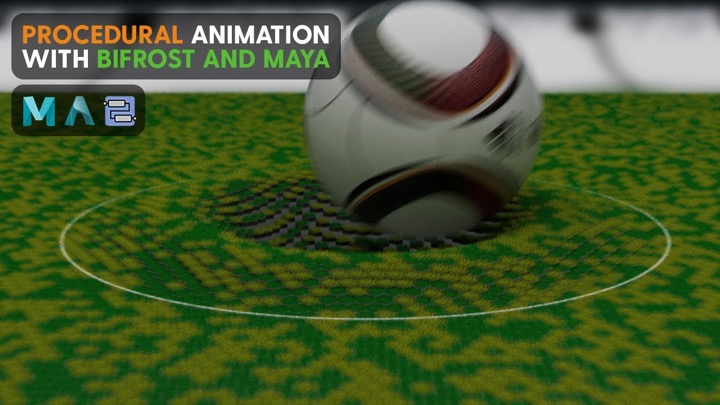
How to Create Procedural Ripple Animation With Bifrost
Bifrostmayamaya tutorials

How to Create Procedural Ripple Animation With Bifrost

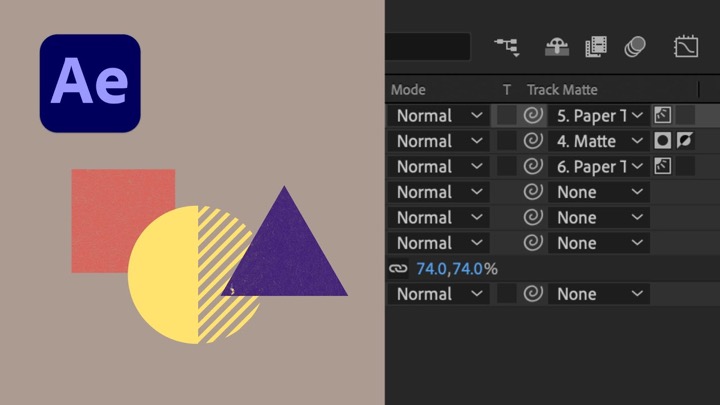
Check Out How Selectable Track Mattes Work in After Effects
after effects

Check Out How Selectable Track Mattes Work in After Effects

  • Previous
  • 1
  • …
  • 84
  • 85
  • 86
  • 87
  • 88
  • …
  • 1,778
  • Next
  • 4 Tips to Create Better Underwater Scenes With C4D and Redshift May 1, 2024
  • Siggraph Asia 2024 December 13, 2024
  • How to Relight VFX Elements Using a Normal Pass in After Effects December 3, 2021
  • Sauce 2 — Procrastination, from Animade November 20, 2016

LesterBanks Cookie Policy

Terms and Conditions

Disclosures


© 2025 Lesterbanks.

  • x-twitter
  • youtube
Close Menu
  • Daily News
  • Features
    • Articles
    • Featured Tutorials
  • Articles
  • Tutorial Library
    • After Effects Tutorials
      • Animation
      • Motion Graphics
      • Compositing
    • Blender Tutorials
      • Modeling
      • Dynamics
      • Rendering
    • Cinema 4D tutorial
      • Cinema 4D Modeling Tutorials
      • Cinema 4D Animation Tutorials
      • Cinema 4D Rendering Tutorials
      • Cinema 4D Xpresso Tutorials
    • Maya Tutorials
      • Modeling
      • Animation
      • Dynamics
      • Rigging
      • Texturing
      • Rendering
    • Mocha Tutorials
      • Tracking
      • Removal
      • Rotoscoping
    • MudBox Tutorials
      • Sculpting
      • Workflow
    • Nuke Tutorials
    • Houdini Tutorials
    • RealFlow Tutorials
    • Rendering Tutorials
      • Arnold Render Tutorials
      • V-Ray Tutorials
    • Softimage Tutorials
    • SynthEyes Tutorials
    • ZBrush Tutorials
  • Contribute
  • About
  • Contact