Ash Aiad posted on MayaStation some details on the new custom color pass use transparency feature in Maya 2011 to check out.
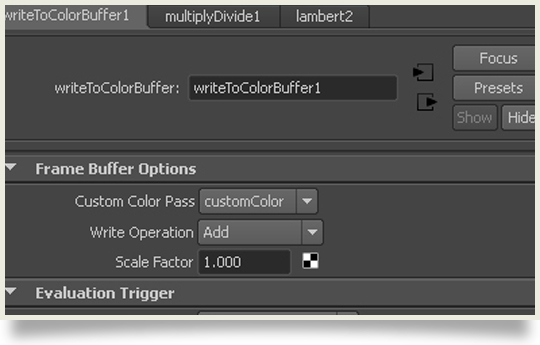
“In the new Custom Color Pass we can use Transparency new Feature to be added in the render pass… This feature works nicely when the Shader is plugged into color – but what if you want a different color than original one. The problem is that the writeToColorBuffer shader expects its color input to be pre-multiplied (effect of transparency already applied), the workaround is to use a multiply node to multiply the custom color by the outMatteOpacity of the main shader.”