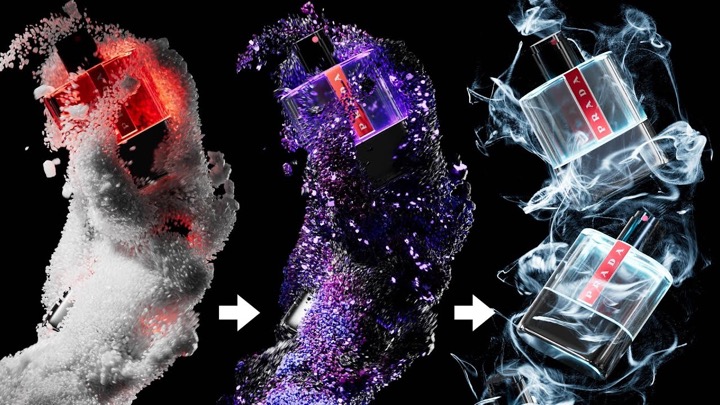
Super Giant Ninja’s Jared Walker walks through creating a great type transition that you have probably seem used before. Jared turns 3D type to smoke using Cinema 4D and TurbulenceFD.
[pullquote]how to make 3D text turn into smoke and blow away[/pullquote]Jared creates the 3D type a couple of ways, showing a variation in the workflow and uses the fluid plugin, JawSet’s Turbulence FD for the fluid simulation that will be the smoke.
The transition is done in After Effects as a composite from the 3D type to the rendered smoke effect. Check out Super Giant Ninja’s post on creating a 3D type to smoke transition here.
https://vimeo.com/122944673
https://vimeo.com/122548781