Hit enter to search or ESC to close
Close Search
Lesterbanks
search
Menu
  • Daily News
  • Features
    • Articles
    • Featured Tutorials
  • Articles
  • Tutorial Library
    • After Effects Tutorials
      • Animation
      • Motion Graphics
      • Compositing
    • Blender Tutorials
      • Modeling
      • Dynamics
      • Rendering
    • Cinema 4D tutorial
      • Cinema 4D Modeling Tutorials
      • Cinema 4D Animation Tutorials
      • Cinema 4D Rendering Tutorials
      • Cinema 4D Xpresso Tutorials
    • Maya Tutorials
      • Modeling
      • Animation
      • Dynamics
      • Rigging
      • Texturing
      • Rendering
    • Mocha Tutorials
      • Tracking
      • Removal
      • Rotoscoping
    • MudBox Tutorials
      • Sculpting
      • Workflow
    • Nuke Tutorials
    • Houdini Tutorials
    • RealFlow Tutorials
    • Rendering Tutorials
      • Arnold Render Tutorials
      • V-Ray Tutorials
    • Softimage Tutorials
    • SynthEyes Tutorials
    • ZBrush Tutorials
  • Contribute
  • About
  • Contact
  • search
  • Menu
Oh, Darling!
animation

Oh, Darling!

Between two & three - An Exploration About Motion
3Danimation

Between two & three – An Exploration About Motion

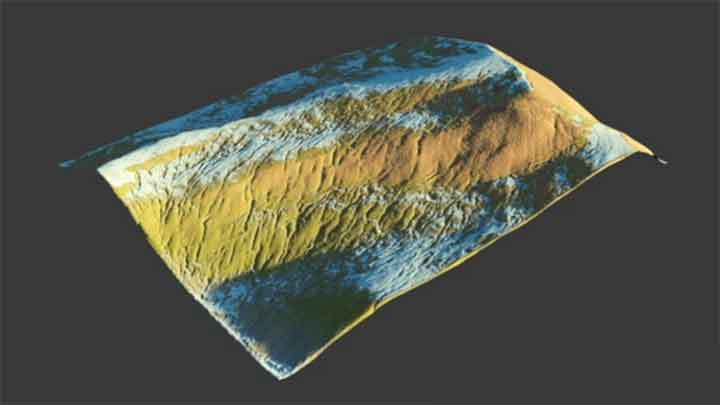
Get This Free Terrian Displacements Pack
3D

Get This Free Terrian Displacements Pack

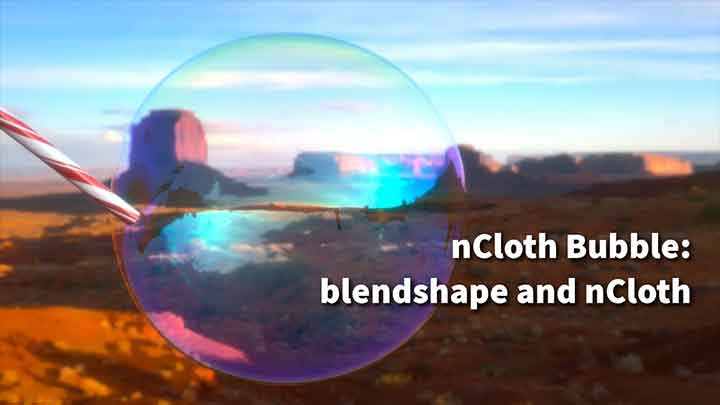
How to Blow Bubbles With nCloth and Blend Shapes
mayamaya dynamics tutorialmaya tutorials

How to Blow Bubbles With nCloth and Blend Shapes

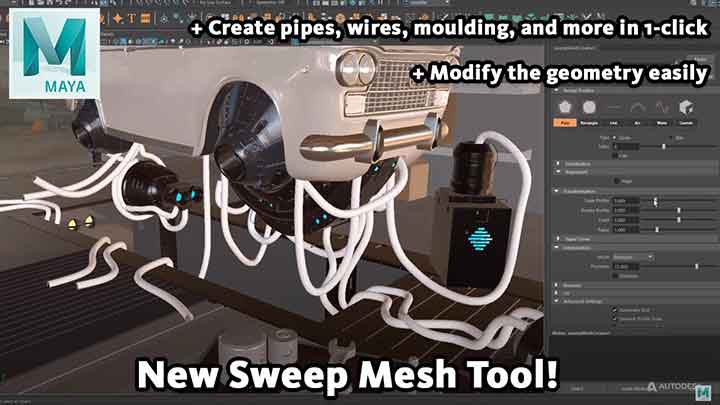
Have a Look at Maya's New Sweep Mesh Tool in Action
maya

Have a Look at Maya’s New Sweep Mesh Tool in Action

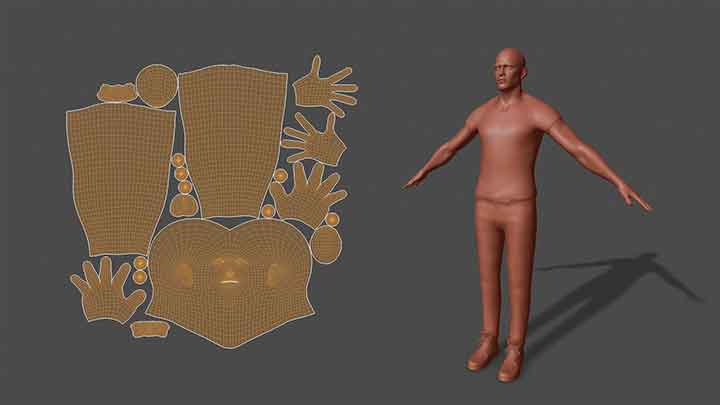
How to Pack Multiple Objects in One UV Space in C4D
Cinema 4DCinema 4D tutorial

How to Pack Multiple Objects in One UV Space in C4D

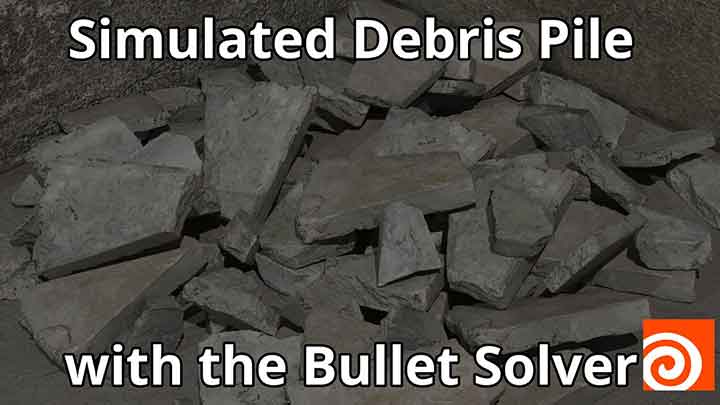
How to Create Piles of Debris Using the Bullet Solver in Houdini
houdiniHoudini DynamicsHoudini tutorial

How to Create Piles of Debris Using the Bullet Solver in Houdini

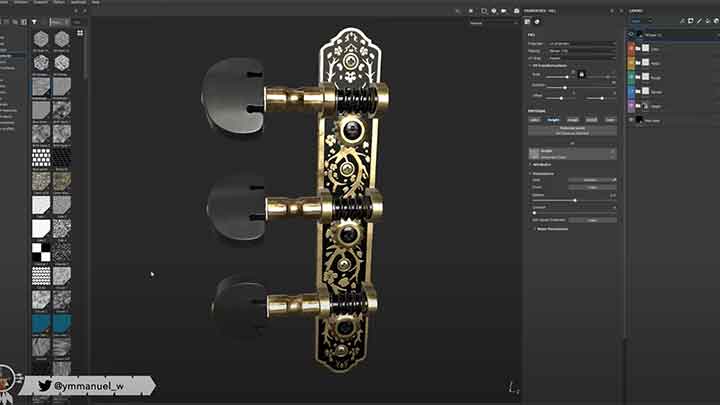
How to Use Height Maps as Input for Normal Information in Substance Painter
Substance Painter

How to Use Height Maps as Input for Normal Information in Substance Painter

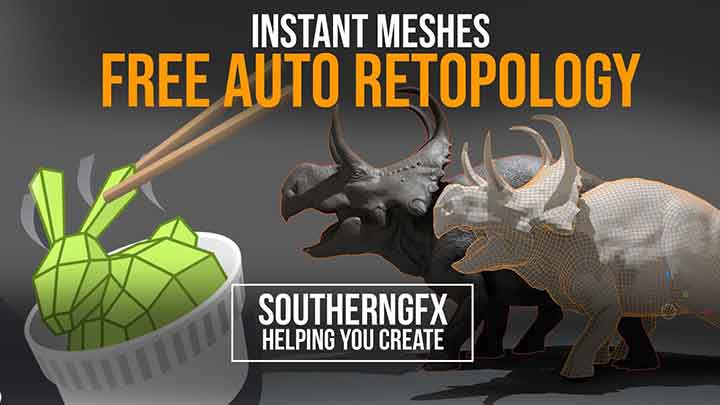
How to Get Clean Meshes Using Instant Meshes
3D

How to Get Clean Meshes Using Instant Meshes

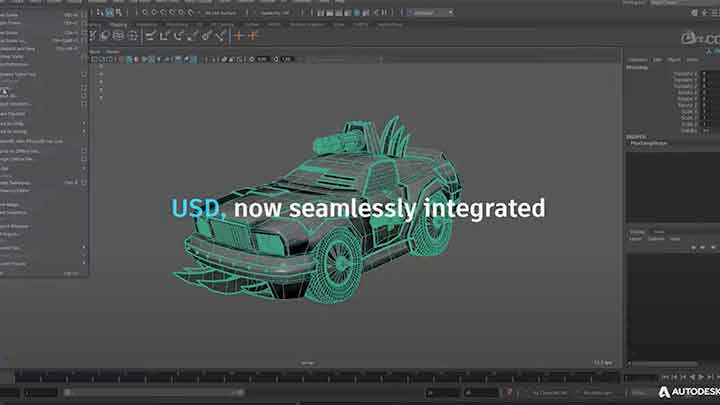
Maya 2022 Offers Seamlessly Integrated USD and a Ton of Other New Features
maya

Maya 2022 Offers Seamlessly Integrated USD and a Ton of Other New Features

  • Previous
  • 1
  • …
  • 193
  • 194
  • 195
  • 196
  • 197
  • …
  • 1,778
  • Next
  • 4 Tips to Create Better Underwater Scenes With C4D and Redshift May 1, 2024
  • Siggraph Asia 2024 December 13, 2024
  • How to Relight VFX Elements Using a Normal Pass in After Effects December 3, 2021
  • Sauce 2 — Procrastination, from Animade November 20, 2016

LesterBanks Cookie Policy

Terms and Conditions

Disclosures


© 2025 Lesterbanks.

  • x-twitter
  • youtube
Close Menu
  • Daily News
  • Features
    • Articles
    • Featured Tutorials
  • Articles
  • Tutorial Library
    • After Effects Tutorials
      • Animation
      • Motion Graphics
      • Compositing
    • Blender Tutorials
      • Modeling
      • Dynamics
      • Rendering
    • Cinema 4D tutorial
      • Cinema 4D Modeling Tutorials
      • Cinema 4D Animation Tutorials
      • Cinema 4D Rendering Tutorials
      • Cinema 4D Xpresso Tutorials
    • Maya Tutorials
      • Modeling
      • Animation
      • Dynamics
      • Rigging
      • Texturing
      • Rendering
    • Mocha Tutorials
      • Tracking
      • Removal
      • Rotoscoping
    • MudBox Tutorials
      • Sculpting
      • Workflow
    • Nuke Tutorials
    • Houdini Tutorials
    • RealFlow Tutorials
    • Rendering Tutorials
      • Arnold Render Tutorials
      • V-Ray Tutorials
    • Softimage Tutorials
    • SynthEyes Tutorials
    • ZBrush Tutorials
  • Contribute
  • About
  • Contact