Hit enter to search or ESC to close
Close Search
Lesterbanks
search
Menu
  • Daily News
  • Features
    • Articles
    • Featured Tutorials
  • Articles
  • Tutorial Library
    • After Effects Tutorials
      • Animation
      • Motion Graphics
      • Compositing
    • Blender Tutorials
      • Modeling
      • Dynamics
      • Rendering
    • Cinema 4D tutorial
      • Cinema 4D Modeling Tutorials
      • Cinema 4D Animation Tutorials
      • Cinema 4D Rendering Tutorials
      • Cinema 4D Xpresso Tutorials
    • Maya Tutorials
      • Modeling
      • Animation
      • Dynamics
      • Rigging
      • Texturing
      • Rendering
    • Mocha Tutorials
      • Tracking
      • Removal
      • Rotoscoping
    • MudBox Tutorials
      • Sculpting
      • Workflow
    • Nuke Tutorials
    • Houdini Tutorials
    • RealFlow Tutorials
    • Rendering Tutorials
      • Arnold Render Tutorials
      • V-Ray Tutorials
    • Softimage Tutorials
    • SynthEyes Tutorials
    • ZBrush Tutorials
  • Contribute
  • About
  • Contact
  • search
  • Menu
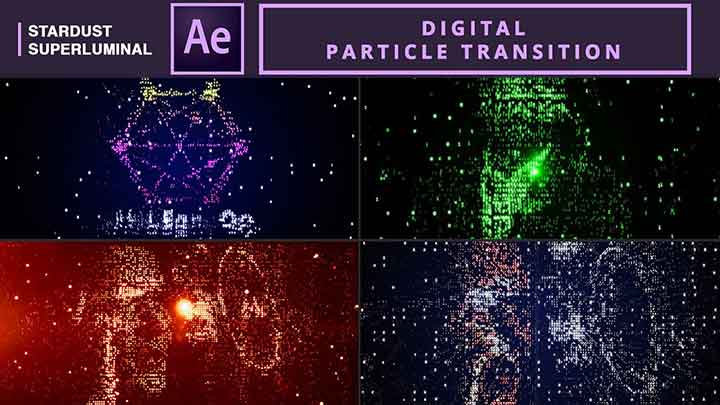
How to Create a Particle Transition in Ae With Stardust
after effectsAfter Effects Motion Graphics Tutorialsafter effects tutorialsStardust

How to Create a Particle Transition in Ae With Stardust

How to Easily Add More Parameters to the HUD in C4D
Cinema 4DCinema 4D tutorial

How to Easily Add More Parameters to the HUD in C4D

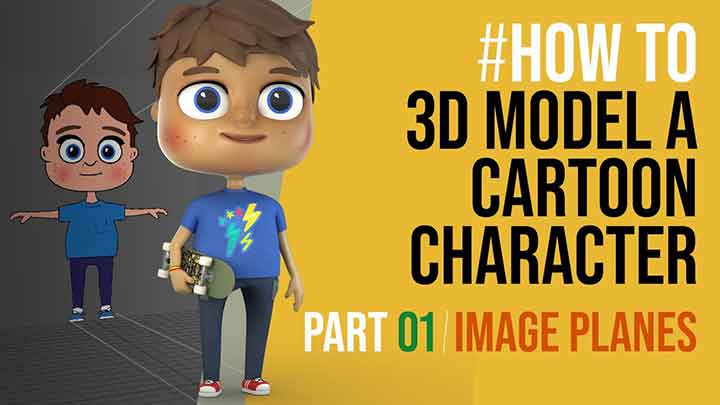
A Beginner's Guide to Modeling a Cartoon Character in Maya
mayamaya tutorials

A Beginner’s Guide to Modeling a Cartoon Character in Maya

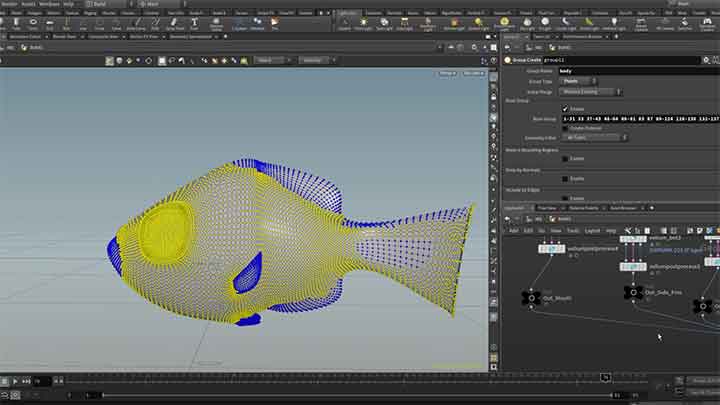
How to Simulate a Fish Animation in Houdini
houdiniHoudini DynamicsHoudini tutorial

How to Simulate a Fish Animation in Houdini

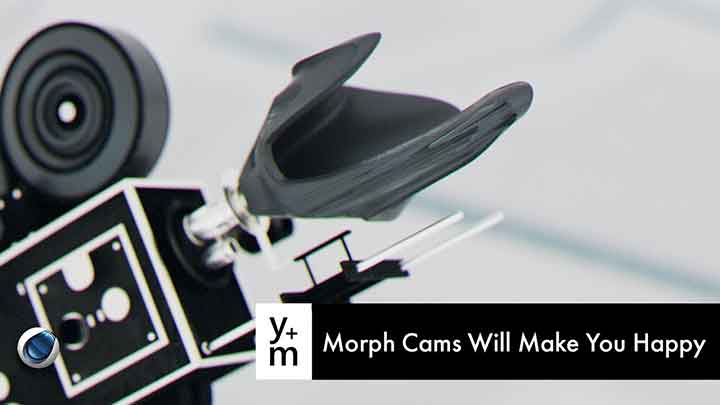
How to Use Camera Morph for Smoother Moves in C4D
Cinema 4DCinema 4D tutorial

How to Use Camera Morph for Smoother Moves in C4D

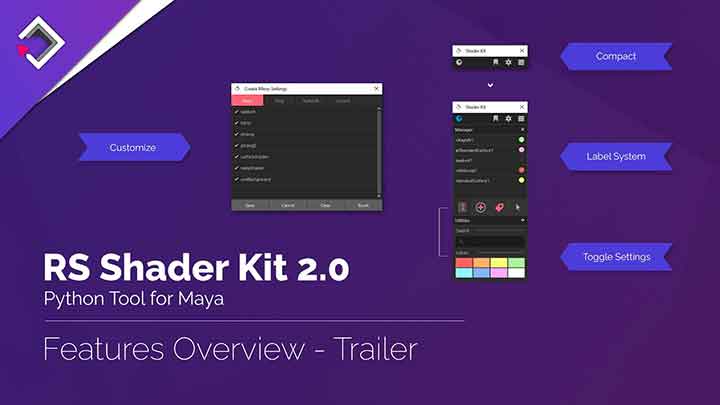
Shader Kit 2 Gets a Fresh New Design
maya

Shader Kit 2 Gets a Fresh New Design

Working With Mocha Pro's Power Mesh in Nuke
mochaMocha Tracking Tutorialsnuke tutorialsvfx

Working With Mocha Pro’s Power Mesh in Nuke

Make Your Product Renders Pop in C4D and Octane
Cinema 4DCinema 4D Rendering TutorialsCinema 4D tutorialoctane

Make Your Product Renders Pop in C4D and Octane

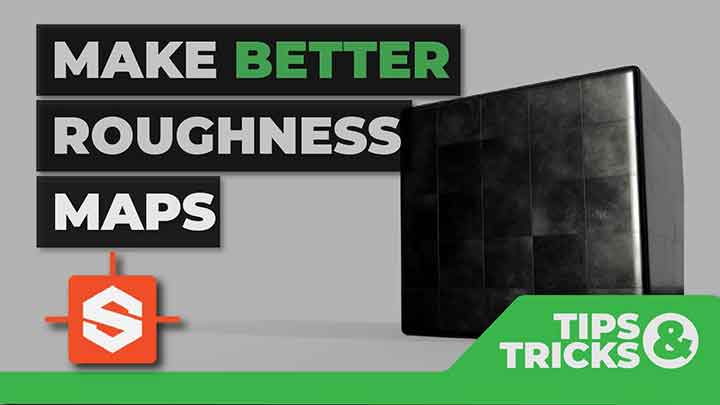
How to Take Substance Designer Roughness Maps to the Next Level
Substance Designer

How to Take Substance Designer Roughness Maps to the Next Level

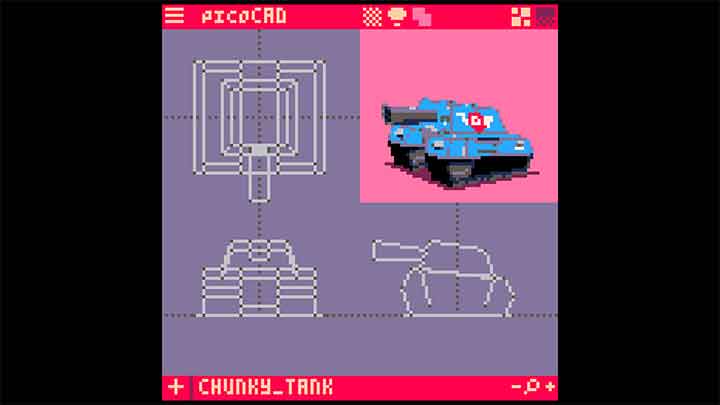
PicoCAD is a Tiny Modeler for Tiny Models PicoCAD is a Tiny Modeler for Tiny Models
3D

PicoCAD is a Tiny Modeler for Tiny Models

  • Previous
  • 1
  • …
  • 200
  • 201
  • 202
  • 203
  • 204
  • …
  • 1,778
  • Next
  • 4 Tips to Create Better Underwater Scenes With C4D and Redshift May 1, 2024
  • Siggraph Asia 2024 December 13, 2024
  • How to Relight VFX Elements Using a Normal Pass in After Effects December 3, 2021
  • Sauce 2 — Procrastination, from Animade November 20, 2016

LesterBanks Cookie Policy

Terms and Conditions

Disclosures


© 2025 Lesterbanks.

  • x-twitter
  • youtube
Close Menu
  • Daily News
  • Features
    • Articles
    • Featured Tutorials
  • Articles
  • Tutorial Library
    • After Effects Tutorials
      • Animation
      • Motion Graphics
      • Compositing
    • Blender Tutorials
      • Modeling
      • Dynamics
      • Rendering
    • Cinema 4D tutorial
      • Cinema 4D Modeling Tutorials
      • Cinema 4D Animation Tutorials
      • Cinema 4D Rendering Tutorials
      • Cinema 4D Xpresso Tutorials
    • Maya Tutorials
      • Modeling
      • Animation
      • Dynamics
      • Rigging
      • Texturing
      • Rendering
    • Mocha Tutorials
      • Tracking
      • Removal
      • Rotoscoping
    • MudBox Tutorials
      • Sculpting
      • Workflow
    • Nuke Tutorials
    • Houdini Tutorials
    • RealFlow Tutorials
    • Rendering Tutorials
      • Arnold Render Tutorials
      • V-Ray Tutorials
    • Softimage Tutorials
    • SynthEyes Tutorials
    • ZBrush Tutorials
  • Contribute
  • About
  • Contact