Hit enter to search or ESC to close
Close Search
Lesterbanks
search
Menu
  • Daily News
  • Features
    • Articles
    • Featured Tutorials
  • Articles
  • Tutorial Library
    • After Effects Tutorials
      • Animation
      • Motion Graphics
      • Compositing
    • Blender Tutorials
      • Modeling
      • Dynamics
      • Rendering
    • Cinema 4D tutorial
      • Cinema 4D Modeling Tutorials
      • Cinema 4D Animation Tutorials
      • Cinema 4D Rendering Tutorials
      • Cinema 4D Xpresso Tutorials
    • Maya Tutorials
      • Modeling
      • Animation
      • Dynamics
      • Rigging
      • Texturing
      • Rendering
    • Mocha Tutorials
      • Tracking
      • Removal
      • Rotoscoping
    • MudBox Tutorials
      • Sculpting
      • Workflow
    • Nuke Tutorials
    • Houdini Tutorials
    • RealFlow Tutorials
    • Rendering Tutorials
      • Arnold Render Tutorials
      • V-Ray Tutorials
    • Softimage Tutorials
    • SynthEyes Tutorials
    • ZBrush Tutorials
  • Contribute
  • About
  • Contact
  • search
  • Menu
An Easy Way to Get a Paper Cutout Stop Motion Look in Ae
after effectsAfter Effects Motion Graphics Tutorialsafter effects tutorialstutorials

An Easy Way to Get a Paper Cutout Stop Motion Look in Ae

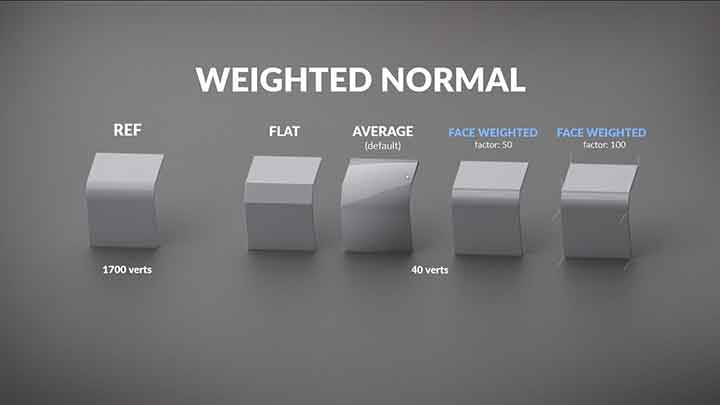
How to Use Weighted Normals in Blender for Modeling
blender3dBlender3D tutorialstutorials

How to Use Weighted Normals in Blender for Modeling

How to Create a Rolling or Coiling Rig in Maya
mayamaya rigging tutorialsmaya tutorialstutorials

How to Create a Rolling or Coiling Rig in Maya

Zone Below Makes Things Behind or in Front in Ae
after effects

Zone Below Makes Things Behind or in Front in Ae

How to Create Dynamic and Reactive Shadows in Ae
after effectsAfter Effects Motion Graphics Tutorialsafter effects tutorialstutorials

How to Create Dynamic and Reactive Shadows in Ae

eggshell
animation

Eggshell

animation

Charlottes Daydream

Dinosaurs In Love
animation

Dinosaurs In Love

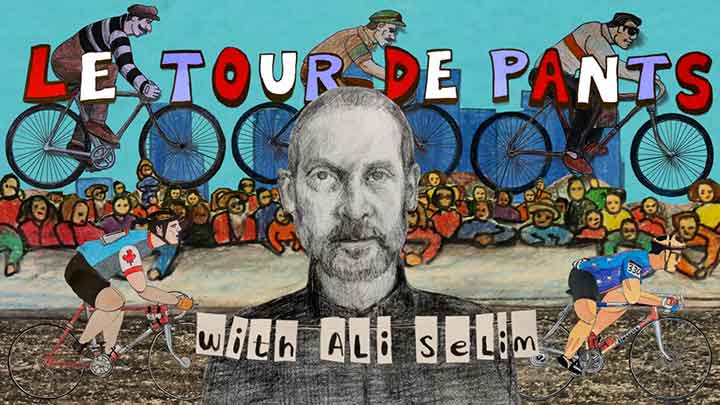
Le Tour de Pants with Ali Selim
animation

Le Tour de Pants with Ali Selim

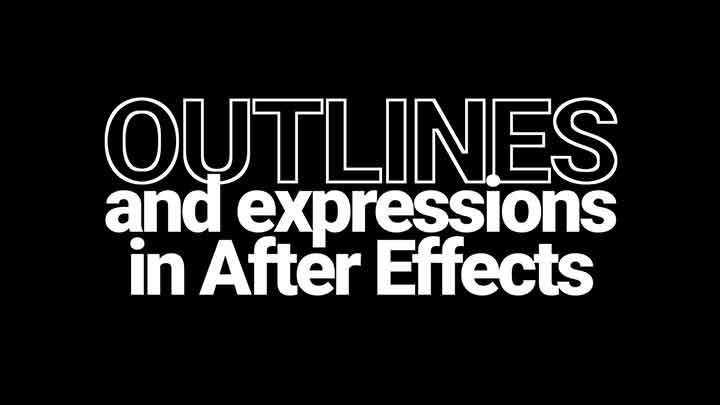
How to Create Outline Type in Ae Procedurally Using Expressions
after effectsAfter Effects Motion Graphics Tutorialsafter effects tutorialstutorials

How to Create Outline Type in Ae Procedurally Using Expressions

  • Previous
  • 1
  • …
  • 314
  • 315
  • 316
  • 317
  • 318
  • …
  • 1,778
  • Next
  • 4 Tips to Create Better Underwater Scenes With C4D and Redshift May 1, 2024
  • Siggraph Asia 2024 December 13, 2024
  • How to Relight VFX Elements Using a Normal Pass in After Effects December 3, 2021
  • Sauce 2 — Procrastination, from Animade November 20, 2016

LesterBanks Cookie Policy

Terms and Conditions

Disclosures


© 2025 Lesterbanks.

  • x-twitter
  • youtube
Close Menu
  • Daily News
  • Features
    • Articles
    • Featured Tutorials
  • Articles
  • Tutorial Library
    • After Effects Tutorials
      • Animation
      • Motion Graphics
      • Compositing
    • Blender Tutorials
      • Modeling
      • Dynamics
      • Rendering
    • Cinema 4D tutorial
      • Cinema 4D Modeling Tutorials
      • Cinema 4D Animation Tutorials
      • Cinema 4D Rendering Tutorials
      • Cinema 4D Xpresso Tutorials
    • Maya Tutorials
      • Modeling
      • Animation
      • Dynamics
      • Rigging
      • Texturing
      • Rendering
    • Mocha Tutorials
      • Tracking
      • Removal
      • Rotoscoping
    • MudBox Tutorials
      • Sculpting
      • Workflow
    • Nuke Tutorials
    • Houdini Tutorials
    • RealFlow Tutorials
    • Rendering Tutorials
      • Arnold Render Tutorials
      • V-Ray Tutorials
    • Softimage Tutorials
    • SynthEyes Tutorials
    • ZBrush Tutorials
  • Contribute
  • About
  • Contact