Hit enter to search or ESC to close
Close Search
Lesterbanks
search
Menu
  • Daily News
  • Features
    • Articles
    • Featured Tutorials
  • Articles
  • Tutorial Library
    • After Effects Tutorials
      • Animation
      • Motion Graphics
      • Compositing
    • Blender Tutorials
      • Modeling
      • Dynamics
      • Rendering
    • Cinema 4D tutorial
      • Cinema 4D Modeling Tutorials
      • Cinema 4D Animation Tutorials
      • Cinema 4D Rendering Tutorials
      • Cinema 4D Xpresso Tutorials
    • Maya Tutorials
      • Modeling
      • Animation
      • Dynamics
      • Rigging
      • Texturing
      • Rendering
    • Mocha Tutorials
      • Tracking
      • Removal
      • Rotoscoping
    • MudBox Tutorials
      • Sculpting
      • Workflow
    • Nuke Tutorials
    • Houdini Tutorials
    • RealFlow Tutorials
    • Rendering Tutorials
      • Arnold Render Tutorials
      • V-Ray Tutorials
    • Softimage Tutorials
    • SynthEyes Tutorials
    • ZBrush Tutorials
  • Contribute
  • About
  • Contact
  • search
  • Menu
3Danimation

Leftfield “Head and Shoulders”

3Danimation

Branded Dreams – The Future Of Advertising from STUDIO SMACK

3Danimation

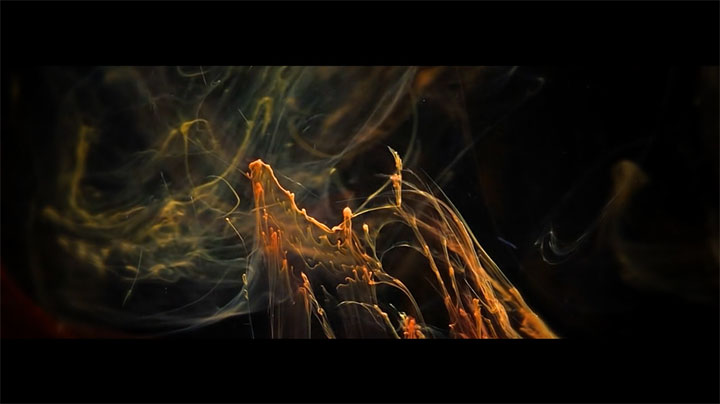
Primeval Replicators, from Julius Horsthuis

animation

Care, by Mickael Le Goff

Access Blender Mesh Python Data With DumpMesh dumpMesh add-on for blender
blender3d

Access Blender Mesh Python Data With DumpMesh

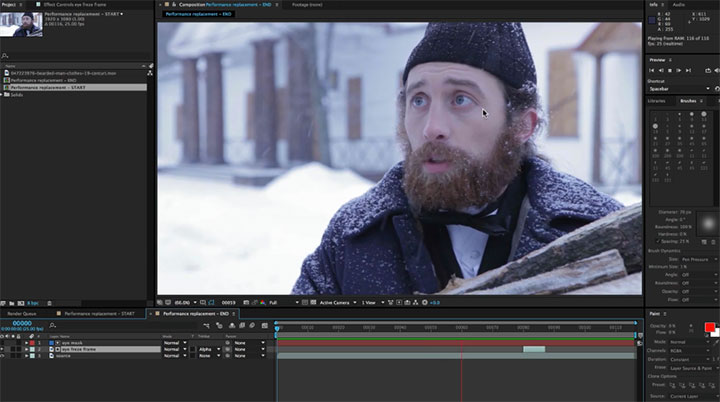
Using Mocha for Performance Replacement
after effectsAfter Effects Compositing Tutorialafter effects tutorialsmochaMocha Tracking Tutorialstutorials

Using Mocha for Performance Replacement

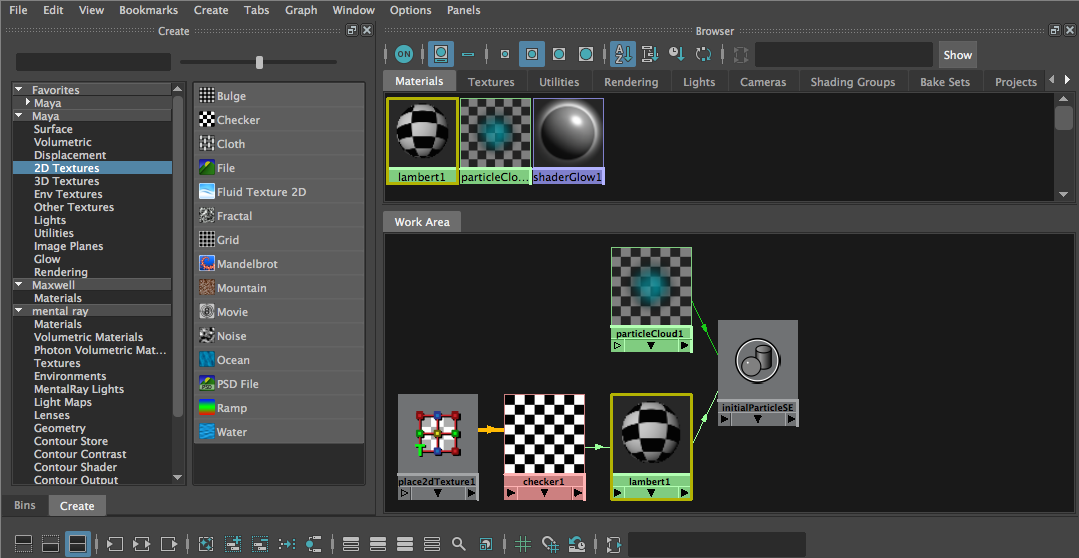
Enable Legacy Maya HyperShade Mode in Maya 2016 Enable Legacy Maya HyperShade Mode in Maya 2016
mayamaya tutorialstutorials

Enable Legacy Maya HyperShade Mode in Maya 2016

Animating a Character in After Effects Using Standard Tools
after effectsafter effects tutorialstutorials

Animating a Character in After Effects Using Standard Tools

Understanding the Arnold Vertex Map Shader in C4D
Arnold RenderCinema 4DCinema 4D Rendering TutorialsCinema 4D tutorialtutorials

Understanding the Arnold Vertex Map Shader in C4D

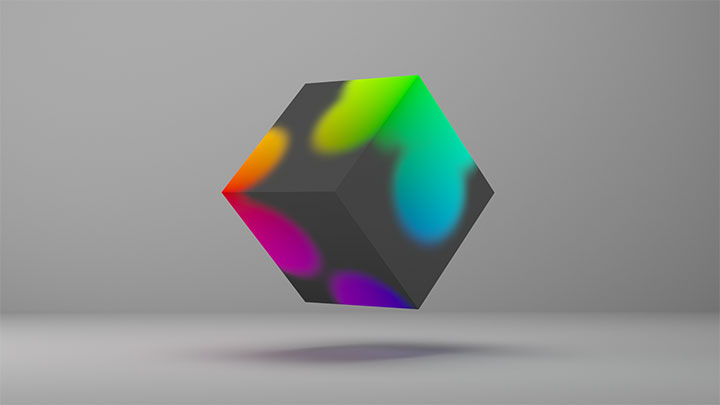
Using Modern Materials in Maya 2016, The MILA Layering Shader Using Modern Materials in Maya 2016, The MILA Layering Shader
mayamaya rendering tutorialsmaya tutorialstutorials

Using Modern Materials in Maya 2016, The MILA Layering Shader

  • Previous
  • 1
  • …
  • 802
  • 803
  • 804
  • 805
  • 806
  • …
  • 1,778
  • Next
  • 4 Tips to Create Better Underwater Scenes With C4D and Redshift May 1, 2024
  • Sauce 2 — Procrastination, from Animade November 20, 2016
  • Siggraph Asia 2024 December 13, 2024
  • How to Relight VFX Elements Using a Normal Pass in After Effects December 3, 2021

LesterBanks Cookie Policy

Terms and Conditions

Disclosures


© 2026 Lesterbanks.

  • x-twitter
  • youtube
Close Menu
  • Daily News
  • Features
    • Articles
    • Featured Tutorials
  • Articles
  • Tutorial Library
    • After Effects Tutorials
      • Animation
      • Motion Graphics
      • Compositing
    • Blender Tutorials
      • Modeling
      • Dynamics
      • Rendering
    • Cinema 4D tutorial
      • Cinema 4D Modeling Tutorials
      • Cinema 4D Animation Tutorials
      • Cinema 4D Rendering Tutorials
      • Cinema 4D Xpresso Tutorials
    • Maya Tutorials
      • Modeling
      • Animation
      • Dynamics
      • Rigging
      • Texturing
      • Rendering
    • Mocha Tutorials
      • Tracking
      • Removal
      • Rotoscoping
    • MudBox Tutorials
      • Sculpting
      • Workflow
    • Nuke Tutorials
    • Houdini Tutorials
    • RealFlow Tutorials
    • Rendering Tutorials
      • Arnold Render Tutorials
      • V-Ray Tutorials
    • Softimage Tutorials
    • SynthEyes Tutorials
    • ZBrush Tutorials
  • Contribute
  • About
  • Contact