Hit enter to search or ESC to close
Close Search
Lesterbanks
search
Menu
  • Daily News
  • Features
    • Articles
    • Featured Tutorials
  • Articles
  • Tutorial Library
    • After Effects Tutorials
      • Animation
      • Motion Graphics
      • Compositing
    • Blender Tutorials
      • Modeling
      • Dynamics
      • Rendering
    • Cinema 4D tutorial
      • Cinema 4D Modeling Tutorials
      • Cinema 4D Animation Tutorials
      • Cinema 4D Rendering Tutorials
      • Cinema 4D Xpresso Tutorials
    • Maya Tutorials
      • Modeling
      • Animation
      • Dynamics
      • Rigging
      • Texturing
      • Rendering
    • Mocha Tutorials
      • Tracking
      • Removal
      • Rotoscoping
    • MudBox Tutorials
      • Sculpting
      • Workflow
    • Nuke Tutorials
    • Houdini Tutorials
    • RealFlow Tutorials
    • Rendering Tutorials
      • Arnold Render Tutorials
      • V-Ray Tutorials
    • Softimage Tutorials
    • SynthEyes Tutorials
    • ZBrush Tutorials
  • Contribute
  • About
  • Contact
  • search
  • Menu

Results For "Maya tips"

343 results found
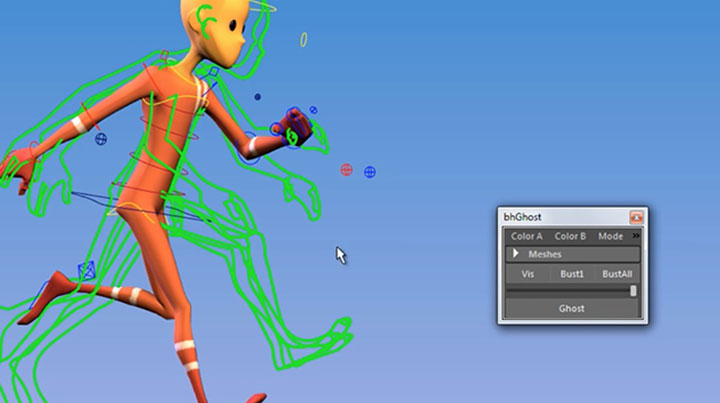
Getting Started With bhGhost Onion Skinning for Maya

Getting Started With bhGhost Onion Skinning for Maya Blog Post

Attach a MASH Network to a Cloth Solve in Maya

Attach a MASH Network to a Cloth Solve in Maya Blog Post

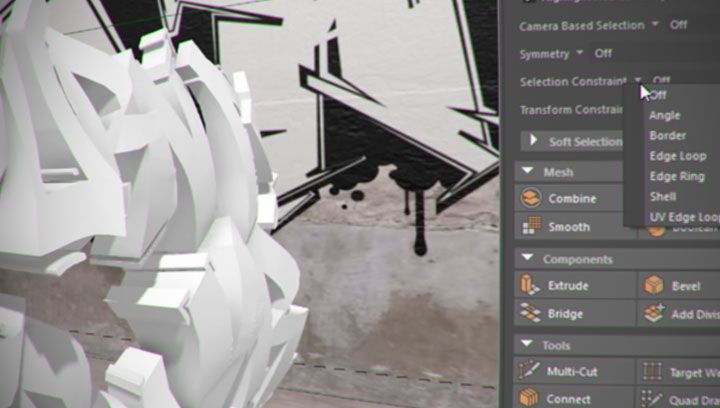
Quickly Selecting Faces in Maya and Assign Shaders

Quickly Selecting Faces in Maya to Assign Shaders Blog Post

How to Use Maya’s nCloth to Create Motion Graphics

How to Use Maya’s nCloth to Create Motion Graphics Blog Post

Make a Head Aim Switch in Maya the Right Way

Make a Head Aim Switch in Maya the Right Way Blog Post

A Great Explanation Covering SkinCluster Basics in Maya

A Great Explanation Covering SkinCluster Basics in Maya Blog Post

Some Tips for a Quick Retopo in Wrap3

Some Tips for a Quick Retopo in R3DS Wrap3 Blog Post

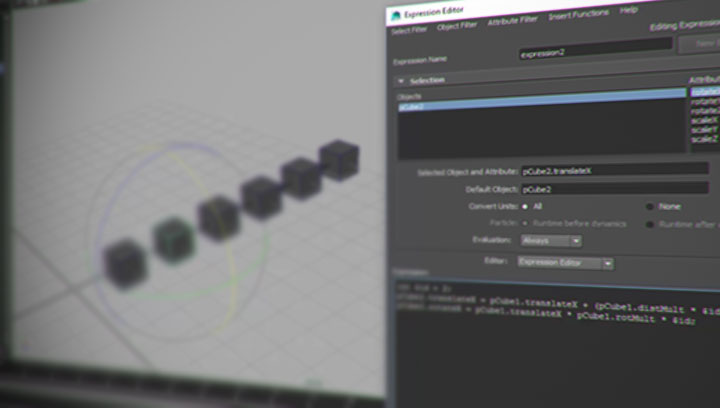
Need to create automatic animation for a particular thing? A Maya expression can do the trick. Anytime you need something more than a direct one to one connection, a Maya expression can make that easy. If you are just getting started with the expression syntax in Maya, there are a lot of great resources around for you to dive into. Patrick Woo, has been posting a few, helping new users get started and offering tips for more seasoned ones. Patrick Woo Ker Yang is a VFX Generalist TD at VHQ Media, and his latest post has a look into using a Maya expression that can drive multiple objects, in various ways. This can give you a simple rig where objects driven by a Maya expression can arrange themselves in interesting ways. Patrick’s set up has a slight offset in rotation and translation for every object, looking at the object’s values before it. So as the first cube moves along a designated axis, the spacing between the objects and the rotations react to that change. Simple, with some uses in real work!

Creating a Maya Expression That Drives Multiple Objects Blog Post

Working With RedShift Displacements in Maya

Working With RedShift Displacements in Maya Blog Post

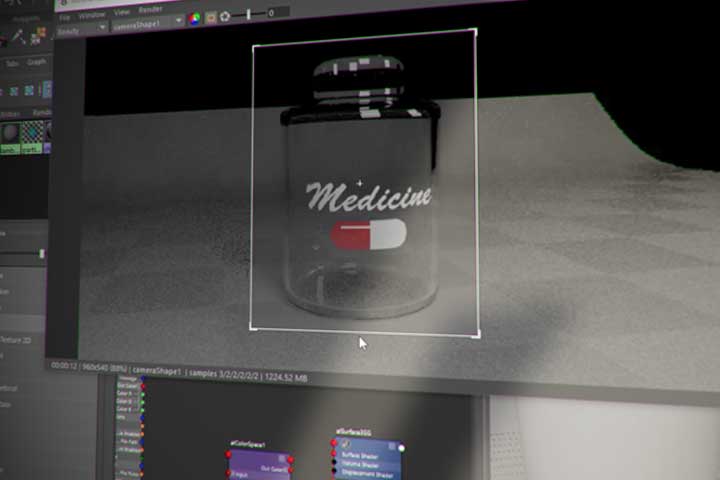
Putting a Label on a Glass Surface With Arnold in Maya

Putting a Label on a Glass Surface With Arnold in Maya Blog Post

  • Previous
  • 1
  • …
  • 13
  • 14
  • 15
  • 16
  • 17
  • …
  • 35
  • Next

LesterBanks Cookie Policy

Terms and Conditions

Disclosures


© 2026 Lesterbanks.

  • x-twitter
  • youtube
Close Menu
  • Daily News
  • Features
    • Articles
    • Featured Tutorials
  • Articles
  • Tutorial Library
    • After Effects Tutorials
      • Animation
      • Motion Graphics
      • Compositing
    • Blender Tutorials
      • Modeling
      • Dynamics
      • Rendering
    • Cinema 4D tutorial
      • Cinema 4D Modeling Tutorials
      • Cinema 4D Animation Tutorials
      • Cinema 4D Rendering Tutorials
      • Cinema 4D Xpresso Tutorials
    • Maya Tutorials
      • Modeling
      • Animation
      • Dynamics
      • Rigging
      • Texturing
      • Rendering
    • Mocha Tutorials
      • Tracking
      • Removal
      • Rotoscoping
    • MudBox Tutorials
      • Sculpting
      • Workflow
    • Nuke Tutorials
    • Houdini Tutorials
    • RealFlow Tutorials
    • Rendering Tutorials
      • Arnold Render Tutorials
      • V-Ray Tutorials
    • Softimage Tutorials
    • SynthEyes Tutorials
    • ZBrush Tutorials
  • Contribute
  • About
  • Contact