Hit enter to search or ESC to close
Close Search
Lesterbanks
search
Menu
  • Daily News
  • Features
    • Articles
    • Featured Tutorials
  • Articles
  • Tutorial Library
    • After Effects Tutorials
      • Animation
      • Motion Graphics
      • Compositing
    • Blender Tutorials
      • Modeling
      • Dynamics
      • Rendering
    • Cinema 4D tutorial
      • Cinema 4D Modeling Tutorials
      • Cinema 4D Animation Tutorials
      • Cinema 4D Rendering Tutorials
      • Cinema 4D Xpresso Tutorials
    • Maya Tutorials
      • Modeling
      • Animation
      • Dynamics
      • Rigging
      • Texturing
      • Rendering
    • Mocha Tutorials
      • Tracking
      • Removal
      • Rotoscoping
    • MudBox Tutorials
      • Sculpting
      • Workflow
    • Nuke Tutorials
    • Houdini Tutorials
    • RealFlow Tutorials
    • Rendering Tutorials
      • Arnold Render Tutorials
      • V-Ray Tutorials
    • Softimage Tutorials
    • SynthEyes Tutorials
    • ZBrush Tutorials
  • Contribute
  • About
  • Contact
  • search
  • Menu
How To Create a Flat Shaded Smoke Effect in Ae
after effectsAfter Effects Motion Graphics Tutorialsafter effects tutorialstutorials

How To Create a Flat Shaded Smoke Effect in Ae

Create Background Patterns With Shape Layers in After Effects
after effectsAfter Effects Motion Graphics Tutorialsafter effects tutorialstutorials

Background Patterns With Shape Layers in After Effects

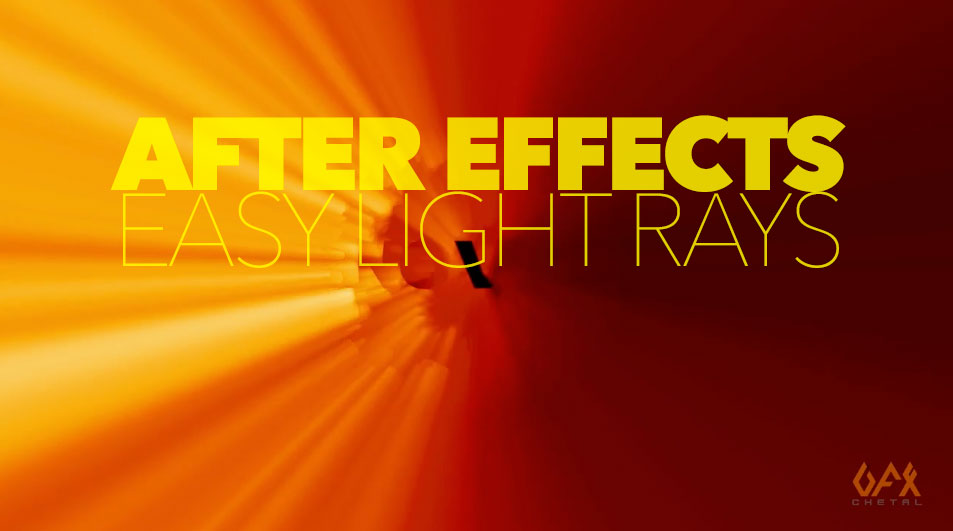
After Effects Light Rays Tutorial
after effectsafter effects tutorialstutorials

Creating Light Rays With Standard After Effects Tools

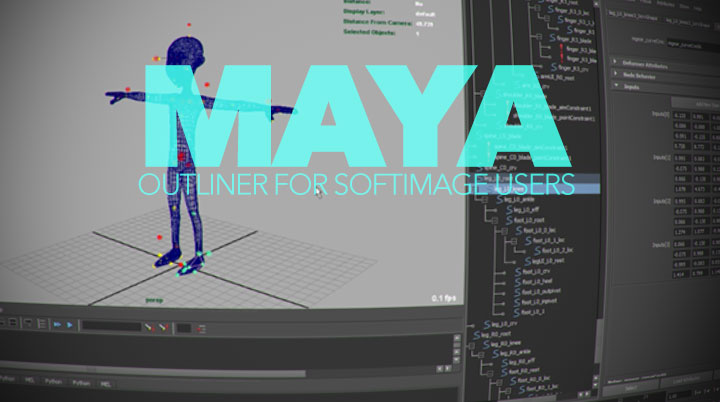
Understanding Outliner Navigation
mayamaya tutorialstutorials

Maya For Softimage Users: Understanding Outliner Navigation

Octane Render for Nuke Getting Started Guide
octane

Getting Started With Octane Render for Nuke

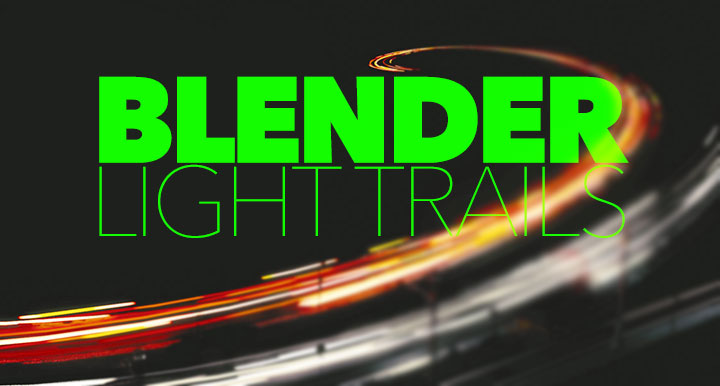
create light trails in Blender
Blender Rendering Tutorialsblender3dBlender3D tutorialstutorials

How to Create Light Trails in Blender

Modeling Various Nuts and Bolts With Maya
mayamaya modeling tutorialsmaya tutorialstutorials

Modeling Various Nuts and Bolts With Maya

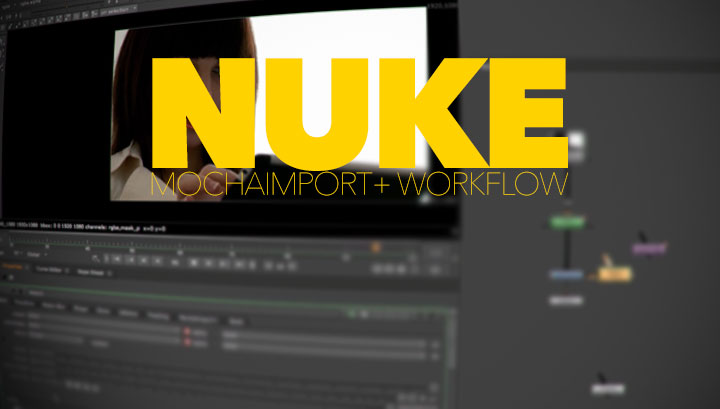
Using MochaImport+ with NUKE's built-in planar tracker
Nukenuke tutorialstutorialsvfx

Using MochaImport+ With NUKE’s Planar Tracker

Use MEL Scripting to Create Fun Sprite Animations
maya

Use MEL Scripting to Create Fun Sprite Animations

Add a Random Generator to Your Wiggle Expression
after effectsafter effects tutorialstutorials

Add a Random Generator to Your Wiggle Expression

  • Previous
  • 1
  • …
  • 874
  • 875
  • 876
  • 877
  • 878
  • …
  • 1,067
  • Next
  • 4 Tips to Create Better Underwater Scenes With C4D and Redshift May 1, 2024
  • Sauce 2 — Procrastination, from Animade November 20, 2016
  • Siggraph Asia 2024 December 13, 2024
  • How to Relight VFX Elements Using a Normal Pass in After Effects December 3, 2021

LesterBanks Cookie Policy

Terms and Conditions

Disclosures


© 2026 Lesterbanks.

  • x-twitter
  • youtube
Close Menu
  • Daily News
  • Features
    • Articles
    • Featured Tutorials
  • Articles
  • Tutorial Library
    • After Effects Tutorials
      • Animation
      • Motion Graphics
      • Compositing
    • Blender Tutorials
      • Modeling
      • Dynamics
      • Rendering
    • Cinema 4D tutorial
      • Cinema 4D Modeling Tutorials
      • Cinema 4D Animation Tutorials
      • Cinema 4D Rendering Tutorials
      • Cinema 4D Xpresso Tutorials
    • Maya Tutorials
      • Modeling
      • Animation
      • Dynamics
      • Rigging
      • Texturing
      • Rendering
    • Mocha Tutorials
      • Tracking
      • Removal
      • Rotoscoping
    • MudBox Tutorials
      • Sculpting
      • Workflow
    • Nuke Tutorials
    • Houdini Tutorials
    • RealFlow Tutorials
    • Rendering Tutorials
      • Arnold Render Tutorials
      • V-Ray Tutorials
    • Softimage Tutorials
    • SynthEyes Tutorials
    • ZBrush Tutorials
  • Contribute
  • About
  • Contact