Hit enter to search or ESC to close
Close Search
Lesterbanks
search
Menu
  • Daily News
  • Features
    • Articles
    • Featured Tutorials
  • Articles
  • Tutorial Library
    • After Effects Tutorials
      • Animation
      • Motion Graphics
      • Compositing
    • Blender Tutorials
      • Modeling
      • Dynamics
      • Rendering
    • Cinema 4D tutorial
      • Cinema 4D Modeling Tutorials
      • Cinema 4D Animation Tutorials
      • Cinema 4D Rendering Tutorials
      • Cinema 4D Xpresso Tutorials
    • Maya Tutorials
      • Modeling
      • Animation
      • Dynamics
      • Rigging
      • Texturing
      • Rendering
    • Mocha Tutorials
      • Tracking
      • Removal
      • Rotoscoping
    • MudBox Tutorials
      • Sculpting
      • Workflow
    • Nuke Tutorials
    • Houdini Tutorials
    • RealFlow Tutorials
    • Rendering Tutorials
      • Arnold Render Tutorials
      • V-Ray Tutorials
    • Softimage Tutorials
    • SynthEyes Tutorials
    • ZBrush Tutorials
  • Contribute
  • About
  • Contact
  • search
  • Menu
After Effects Newton 2 3D physics
after effectsafter effects tutorialstutorials

Use Newton 2 to Create Dynamic Simulations for 3D Objects in Ae

after effects

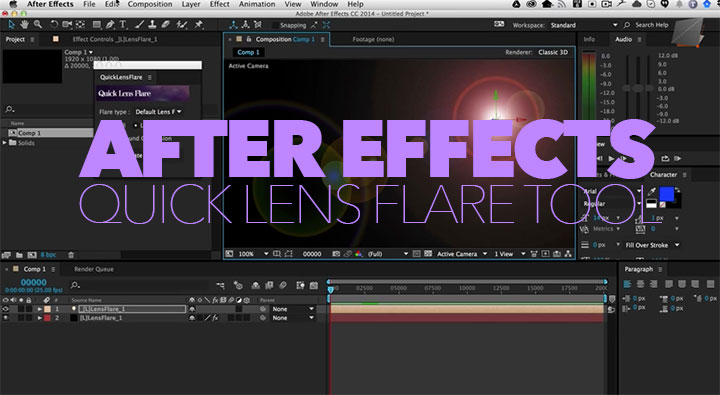
Easily Link a Lens Flare to a Null in Ae with the Quick Lens Flare Tool

SynthEyes Updates for Fusion
SynthEyes

New SynthEyes Release Beefs Up Fusion Export

Master Class Rock Scultping Tutorial
3D3DCoatModotutorialszbrush

A Master Class in Rock Sculpting, 3D Modeling in 3DCoat, ZBrush and Modo

Cinema 4D Xpresso Driven Clock tutorial
Cinema 4DCinema 4D tutorialCinema 4D Xpresso Tutorialstutorials

New C4D Exercise, Create an Xpresso Driven Clock That Allows You To Enter the Time

MARI Texture Scatter 2D Node
maritutorials

Using the Texture Bombing Node, Texture Scatter 2D in the MARI Extension Pack

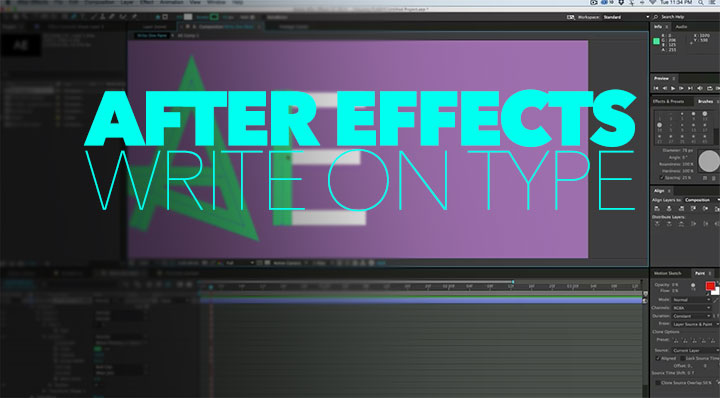
After Effects trim paths write on type
after effectsafter effects tutorialstutorials

Use Ae’s Trim Paths to Write On Type

Cinema 4D Python Driven Clock tutorial
Cinema 4D tutorialCinema 4D Xpresso Tutorialstutorials

Use Python, Xpresso and User Data for a Clock Rig in C4D

After Effects Rolling Polygon Preset Rolling Polygon Preset
after effects

After Effects Rolling Polygon Preset

3 Ways to align and attach Objects on a Deforming Mesh in Maya
mayamaya tutorials

3 Ways to Align and Attach Objects on a Deforming Mesh in Maya

  • Previous
  • 1
  • …
  • 928
  • 929
  • 930
  • 931
  • 932
  • …
  • 1,778
  • Next
  • 4 Tips to Create Better Underwater Scenes With C4D and Redshift May 1, 2024
  • Sauce 2 — Procrastination, from Animade November 20, 2016
  • Siggraph Asia 2024 December 13, 2024
  • How to Relight VFX Elements Using a Normal Pass in After Effects December 3, 2021

LesterBanks Cookie Policy

Terms and Conditions

Disclosures


© 2026 Lesterbanks.

  • x-twitter
  • youtube
Close Menu
  • Daily News
  • Features
    • Articles
    • Featured Tutorials
  • Articles
  • Tutorial Library
    • After Effects Tutorials
      • Animation
      • Motion Graphics
      • Compositing
    • Blender Tutorials
      • Modeling
      • Dynamics
      • Rendering
    • Cinema 4D tutorial
      • Cinema 4D Modeling Tutorials
      • Cinema 4D Animation Tutorials
      • Cinema 4D Rendering Tutorials
      • Cinema 4D Xpresso Tutorials
    • Maya Tutorials
      • Modeling
      • Animation
      • Dynamics
      • Rigging
      • Texturing
      • Rendering
    • Mocha Tutorials
      • Tracking
      • Removal
      • Rotoscoping
    • MudBox Tutorials
      • Sculpting
      • Workflow
    • Nuke Tutorials
    • Houdini Tutorials
    • RealFlow Tutorials
    • Rendering Tutorials
      • Arnold Render Tutorials
      • V-Ray Tutorials
    • Softimage Tutorials
    • SynthEyes Tutorials
    • ZBrush Tutorials
  • Contribute
  • About
  • Contact