Hit enter to search or ESC to close
Close Search
Lesterbanks
search
Menu
  • Daily News
  • Features
    • Articles
    • Featured Tutorials
  • Articles
  • Tutorial Library
    • After Effects Tutorials
      • Animation
      • Motion Graphics
      • Compositing
    • Blender Tutorials
      • Modeling
      • Dynamics
      • Rendering
    • Cinema 4D tutorial
      • Cinema 4D Modeling Tutorials
      • Cinema 4D Animation Tutorials
      • Cinema 4D Rendering Tutorials
      • Cinema 4D Xpresso Tutorials
    • Maya Tutorials
      • Modeling
      • Animation
      • Dynamics
      • Rigging
      • Texturing
      • Rendering
    • Mocha Tutorials
      • Tracking
      • Removal
      • Rotoscoping
    • MudBox Tutorials
      • Sculpting
      • Workflow
    • Nuke Tutorials
    • Houdini Tutorials
    • RealFlow Tutorials
    • Rendering Tutorials
      • Arnold Render Tutorials
      • V-Ray Tutorials
    • Softimage Tutorials
    • SynthEyes Tutorials
    • ZBrush Tutorials
  • Contribute
  • About
  • Contact
  • search
  • Menu
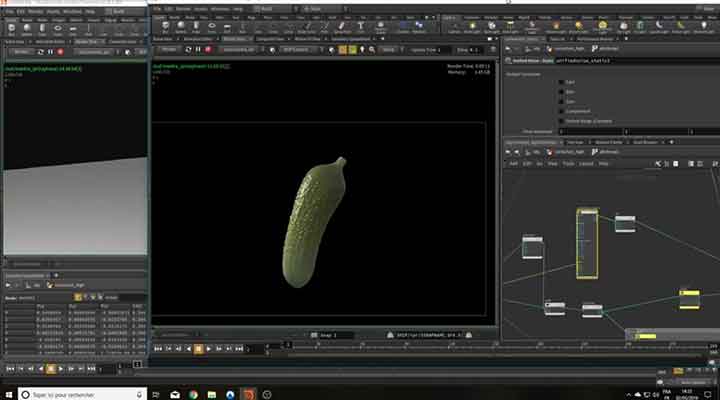
How to Make a Pickle in Houdini
houdiniHoudini tutorialtutorials

How to Make a Pickle in Houdini

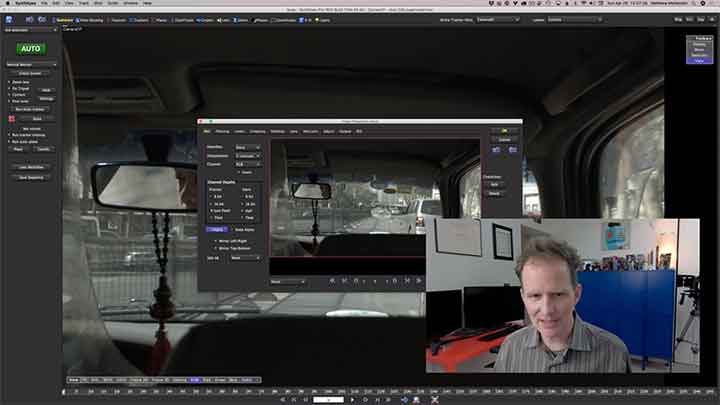
An Introduction to Supervised Tracking With SynthEyes
SynthEyestutorials

An Introduction to Supervised Tracking With SynthEyes

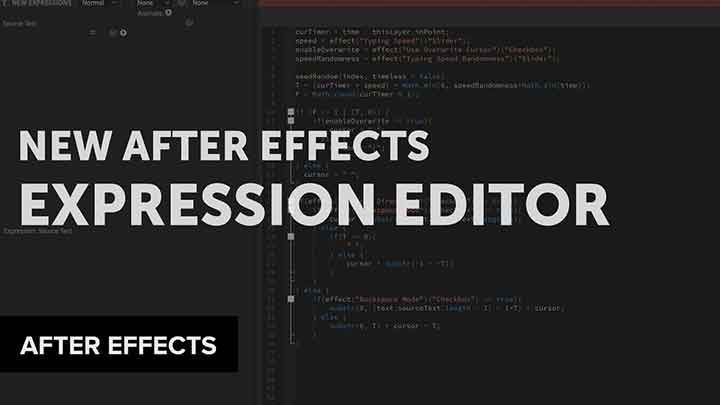
Creative Dojo Looks at the New Expression Editor in After Effects
after effectsafter effects tutorialstutorials

Creative Dojo Looks at the New Expression Editor in After Effects

How to Create Worn Edges in V-Ray Without UVs
mayamaya texturing tutorialsmaya tutorials

How to Create Worn Materials in V-Ray Without UVs

How to use Volume Builder Intersect for Perfectly Round Spheres
Cinema 4DCinema 4D Modeling TutorialsCinema 4D tutorialtutorials

How to use Volume Builder Intersect for Perfectly Round Spheres

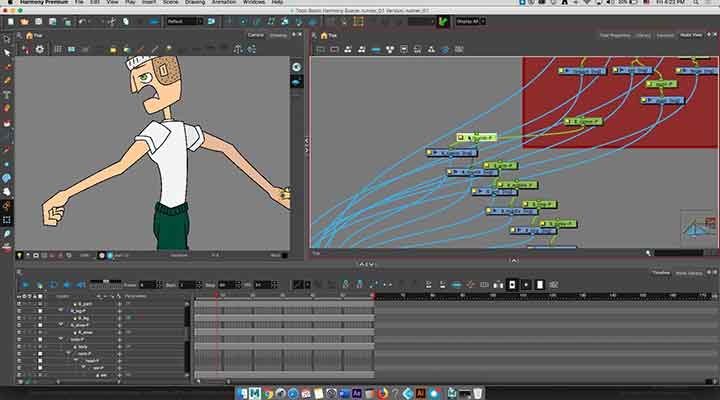
How to Rig a Character in Toon Boom With Deformers
toon boomtutorials

How to Rig a Character in Toon Boom With Deformers

Tik is a Free Scene Manager for Maya, Nuke, and Houdini
3DhoudinimayaNuke

Tik is a Free Scene Manager for Maya, Nuke, and Houdini

Parametrically Making a Cylinder Full of Holes in C4D
Cinema 4DCinema 4D tutorial

Parametrically Making a Cylinder Full of Holes in C4D

Free EL Tool pack Has 4 Handy Python Tools for Maya
maya

Free EL Tool pack Has 4 Handy Python Tools for Maya

How to Create a Marker-Based Wiggle in Ae
after effectsafter effects tutorialstutorials

How to Create a Marker-Based Wiggle in Ae

  • Previous
  • 1
  • …
  • 401
  • 402
  • 403
  • 404
  • 405
  • …
  • 1,778
  • Next
  • 4 Tips to Create Better Underwater Scenes With C4D and Redshift May 1, 2024
  • Siggraph Asia 2024 December 13, 2024
  • Sauce 2 — Procrastination, from Animade November 20, 2016
  • How to Relight VFX Elements Using a Normal Pass in After Effects December 3, 2021

LesterBanks Cookie Policy

Terms and Conditions

Disclosures


© 2026 Lesterbanks.

  • x-twitter
  • youtube
Close Menu
  • Daily News
  • Features
    • Articles
    • Featured Tutorials
  • Articles
  • Tutorial Library
    • After Effects Tutorials
      • Animation
      • Motion Graphics
      • Compositing
    • Blender Tutorials
      • Modeling
      • Dynamics
      • Rendering
    • Cinema 4D tutorial
      • Cinema 4D Modeling Tutorials
      • Cinema 4D Animation Tutorials
      • Cinema 4D Rendering Tutorials
      • Cinema 4D Xpresso Tutorials
    • Maya Tutorials
      • Modeling
      • Animation
      • Dynamics
      • Rigging
      • Texturing
      • Rendering
    • Mocha Tutorials
      • Tracking
      • Removal
      • Rotoscoping
    • MudBox Tutorials
      • Sculpting
      • Workflow
    • Nuke Tutorials
    • Houdini Tutorials
    • RealFlow Tutorials
    • Rendering Tutorials
      • Arnold Render Tutorials
      • V-Ray Tutorials
    • Softimage Tutorials
    • SynthEyes Tutorials
    • ZBrush Tutorials
  • Contribute
  • About
  • Contact