Hit enter to search or ESC to close
Close Search
Lesterbanks
search
Menu
  • Daily News
  • Features
    • Articles
    • Featured Tutorials
  • Articles
  • Tutorial Library
    • After Effects Tutorials
      • Animation
      • Motion Graphics
      • Compositing
    • Blender Tutorials
      • Modeling
      • Dynamics
      • Rendering
    • Cinema 4D tutorial
      • Cinema 4D Modeling Tutorials
      • Cinema 4D Animation Tutorials
      • Cinema 4D Rendering Tutorials
      • Cinema 4D Xpresso Tutorials
    • Maya Tutorials
      • Modeling
      • Animation
      • Dynamics
      • Rigging
      • Texturing
      • Rendering
    • Mocha Tutorials
      • Tracking
      • Removal
      • Rotoscoping
    • MudBox Tutorials
      • Sculpting
      • Workflow
    • Nuke Tutorials
    • Houdini Tutorials
    • RealFlow Tutorials
    • Rendering Tutorials
      • Arnold Render Tutorials
      • V-Ray Tutorials
    • Softimage Tutorials
    • SynthEyes Tutorials
    • ZBrush Tutorials
  • Contribute
  • About
  • Contact
  • search
  • Menu
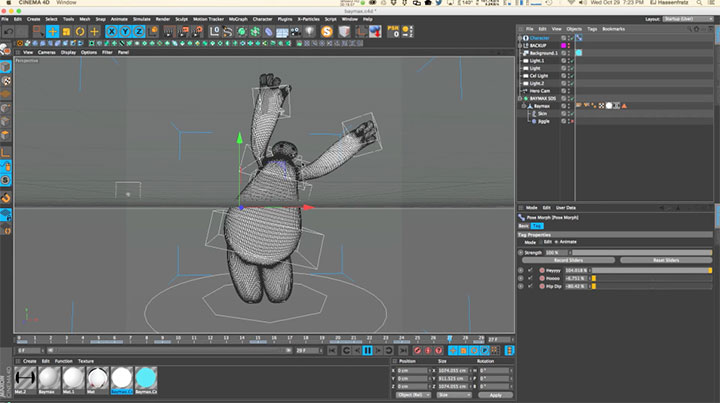
Using the Jiggle Deformer for Easy Secondary Animation in C4D
Cinema 4DCinema 4D Animation TutorialsCinema 4D tutorialtutorials

Using the Jiggle Deformer for Easy Secondary Animation in C4D

ProxyMan
after effects

Need a Professional Proxy Management Tool for AE? Try qp ProxyMan

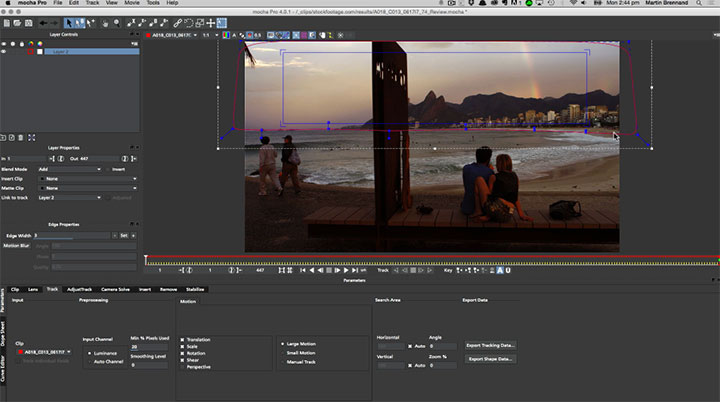
Review Footage Before Tracking With Mocha
mochaMocha Tracking Tutorialstutorials

How To Best Review Footage Before Tracking With Mocha

rapid rig modular
maya

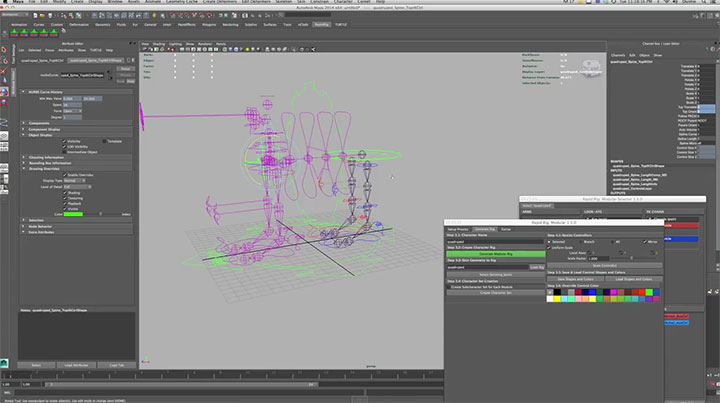
Rapid Rig Modular Gains New Moveable Pivot Control

emPolygonizer5 for Maya, MODO, Fabric Engine and Softimage
mayaModoSoftImage

MOOTZOID Releases emPolygonizer 5

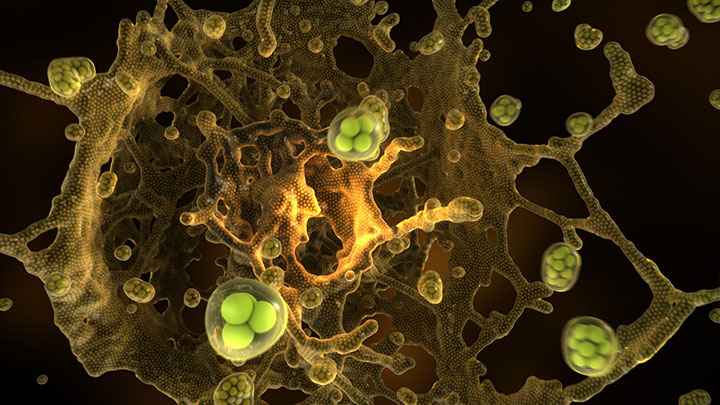
Control TurbulenceFD Using X-Particles
Cinema 4DCinema 4D tutorialtutorials

Control TurbulenceFD Using X-Particles

Create a Dynamic Peeling Effect Using SOuP Nodes in Maya
mayamaya dynamics tutorialmaya tutorialstutorials

Create a Dynamic Peeling Effect Using SOuP Nodes in Maya

Marmoset Toolbag
3D

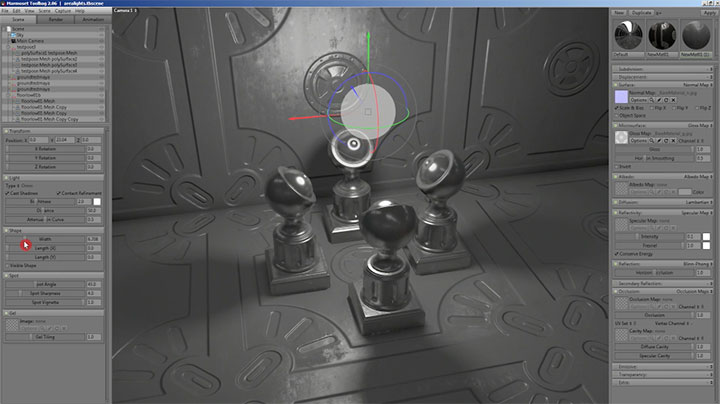
Marmoset Toolbag Updates with Lens Distortion & Chromatic Aberration

Incorporating a Dynamic Pivot in Your Rigs With Maya
mayamaya rigging tutorialsmaya tutorialstutorials

Incorporating a Dynamic Pivot in Your Rigs With Maya

after effects midpoint preset
after effects

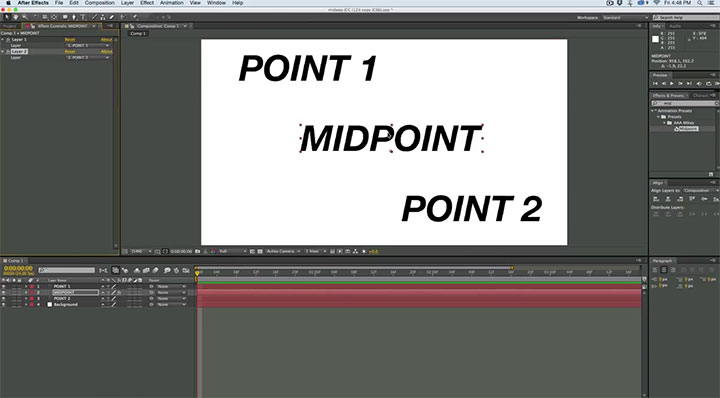
Easily Find the Midpoint Between Two Layers in After Effects

  • Previous
  • 1
  • …
  • 965
  • 966
  • 967
  • 968
  • 969
  • …
  • 1,778
  • Next
  • 4 Tips to Create Better Underwater Scenes With C4D and Redshift May 1, 2024
  • Sauce 2 — Procrastination, from Animade November 20, 2016
  • Siggraph Asia 2024 December 13, 2024
  • How to Relight VFX Elements Using a Normal Pass in After Effects December 3, 2021

LesterBanks Cookie Policy

Terms and Conditions

Disclosures


© 2026 Lesterbanks.

  • x-twitter
  • youtube
Close Menu
  • Daily News
  • Features
    • Articles
    • Featured Tutorials
  • Articles
  • Tutorial Library
    • After Effects Tutorials
      • Animation
      • Motion Graphics
      • Compositing
    • Blender Tutorials
      • Modeling
      • Dynamics
      • Rendering
    • Cinema 4D tutorial
      • Cinema 4D Modeling Tutorials
      • Cinema 4D Animation Tutorials
      • Cinema 4D Rendering Tutorials
      • Cinema 4D Xpresso Tutorials
    • Maya Tutorials
      • Modeling
      • Animation
      • Dynamics
      • Rigging
      • Texturing
      • Rendering
    • Mocha Tutorials
      • Tracking
      • Removal
      • Rotoscoping
    • MudBox Tutorials
      • Sculpting
      • Workflow
    • Nuke Tutorials
    • Houdini Tutorials
    • RealFlow Tutorials
    • Rendering Tutorials
      • Arnold Render Tutorials
      • V-Ray Tutorials
    • Softimage Tutorials
    • SynthEyes Tutorials
    • ZBrush Tutorials
  • Contribute
  • About
  • Contact