Hit enter to search or ESC to close
Close Search
Lesterbanks
search
Menu
  • Daily News
  • Features
    • Articles
    • Featured Tutorials
  • Articles
  • Tutorial Library
    • After Effects Tutorials
      • Animation
      • Motion Graphics
      • Compositing
    • Blender Tutorials
      • Modeling
      • Dynamics
      • Rendering
    • Cinema 4D tutorial
      • Cinema 4D Modeling Tutorials
      • Cinema 4D Animation Tutorials
      • Cinema 4D Rendering Tutorials
      • Cinema 4D Xpresso Tutorials
    • Maya Tutorials
      • Modeling
      • Animation
      • Dynamics
      • Rigging
      • Texturing
      • Rendering
    • Mocha Tutorials
      • Tracking
      • Removal
      • Rotoscoping
    • MudBox Tutorials
      • Sculpting
      • Workflow
    • Nuke Tutorials
    • Houdini Tutorials
    • RealFlow Tutorials
    • Rendering Tutorials
      • Arnold Render Tutorials
      • V-Ray Tutorials
    • Softimage Tutorials
    • SynthEyes Tutorials
    • ZBrush Tutorials
  • Contribute
  • About
  • Contact
  • search
  • Menu
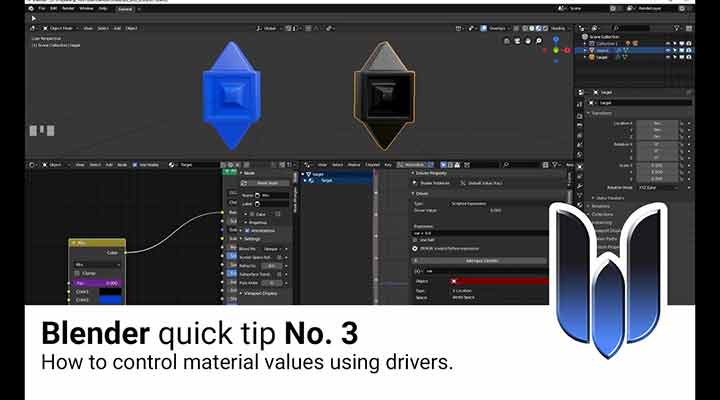
How to Control Material Values Using Drivers in Blender
blender3dBlender3D tutorialstutorials

How to Control Material Values Using Drivers in Blender

Advanced Substance for Environment Art
3DSubstance DesignerSubstance Painter

Learn Advanced Substance for Environment Art With CG Master Academy

Working With Maya New Cached Playback Feature
maya

Working With Maya’s New Cached Playback Feature

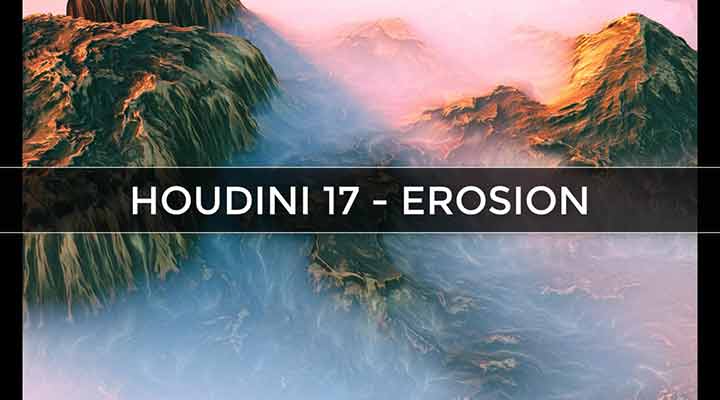
A Look at the New Erosion Tool in Houdini 17
houdiniHoudini tutorialtutorials

A Look at the New Erosion Tool in Houdini 17

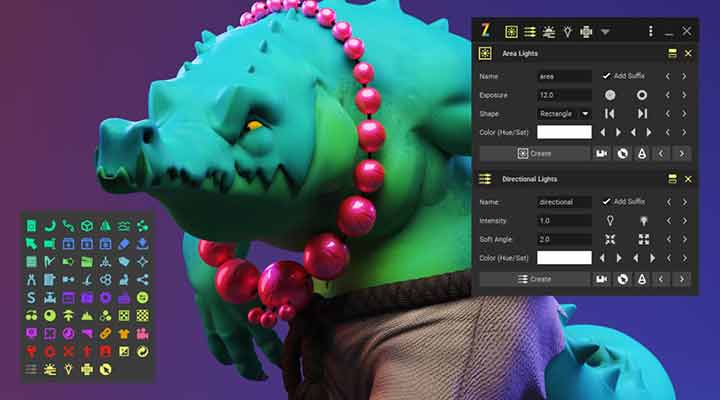
Check Out This Sneak Peek of the Upcoming Zoo Tools Pro 2
maya

Check Out This Sneak Peek of the Upcoming Zoo Tools Pro 2

How to Procedurally Texture Organic Models With Redshift
RedShift

How to Procedurally Texture Organic Models With Redshift

How to Make a Custom Maya Menu Using PyMEL
mayamaya tutorialstutorials

How to Make a Custom Maya Menu Using PyMEL

Need More Texture? PQ Grit Kit 2 is Here
after effects

Need More Texture? PQ Grit Kit 2 is Here

Pause Fest Motion Response - Intimate Future
animation

Pause Fest Motion Response – Intimate Future

DISTORTION. A Stop motion Animation by Guldies
animation

DISTORTION. A Stop Motion Animation by Guldies

  • Previous
  • 1
  • …
  • 418
  • 419
  • 420
  • 421
  • 422
  • …
  • 1,067
  • Next
  • 4 Tips to Create Better Underwater Scenes With C4D and Redshift May 1, 2024
  • Sauce 2 — Procrastination, from Animade November 20, 2016
  • Siggraph Asia 2024 December 13, 2024
  • How to Relight VFX Elements Using a Normal Pass in After Effects December 3, 2021

LesterBanks Cookie Policy

Terms and Conditions

Disclosures


© 2026 Lesterbanks.

  • x-twitter
  • youtube
Close Menu
  • Daily News
  • Features
    • Articles
    • Featured Tutorials
  • Articles
  • Tutorial Library
    • After Effects Tutorials
      • Animation
      • Motion Graphics
      • Compositing
    • Blender Tutorials
      • Modeling
      • Dynamics
      • Rendering
    • Cinema 4D tutorial
      • Cinema 4D Modeling Tutorials
      • Cinema 4D Animation Tutorials
      • Cinema 4D Rendering Tutorials
      • Cinema 4D Xpresso Tutorials
    • Maya Tutorials
      • Modeling
      • Animation
      • Dynamics
      • Rigging
      • Texturing
      • Rendering
    • Mocha Tutorials
      • Tracking
      • Removal
      • Rotoscoping
    • MudBox Tutorials
      • Sculpting
      • Workflow
    • Nuke Tutorials
    • Houdini Tutorials
    • RealFlow Tutorials
    • Rendering Tutorials
      • Arnold Render Tutorials
      • V-Ray Tutorials
    • Softimage Tutorials
    • SynthEyes Tutorials
    • ZBrush Tutorials
  • Contribute
  • About
  • Contact