Hit enter to search or ESC to close
Close Search
Lesterbanks
search
Menu
  • Daily News
  • Features
    • Articles
    • Featured Tutorials
  • Articles
  • Tutorial Library
    • After Effects Tutorials
      • Animation
      • Motion Graphics
      • Compositing
    • Blender Tutorials
      • Modeling
      • Dynamics
      • Rendering
    • Cinema 4D tutorial
      • Cinema 4D Modeling Tutorials
      • Cinema 4D Animation Tutorials
      • Cinema 4D Rendering Tutorials
      • Cinema 4D Xpresso Tutorials
    • Maya Tutorials
      • Modeling
      • Animation
      • Dynamics
      • Rigging
      • Texturing
      • Rendering
    • Mocha Tutorials
      • Tracking
      • Removal
      • Rotoscoping
    • MudBox Tutorials
      • Sculpting
      • Workflow
    • Nuke Tutorials
    • Houdini Tutorials
    • RealFlow Tutorials
    • Rendering Tutorials
      • Arnold Render Tutorials
      • V-Ray Tutorials
    • Softimage Tutorials
    • SynthEyes Tutorials
    • ZBrush Tutorials
  • Contribute
  • About
  • Contact
  • search
  • Menu
create Motion Graphics elements With Houdini
houdiniHoudini tutorialtutorials

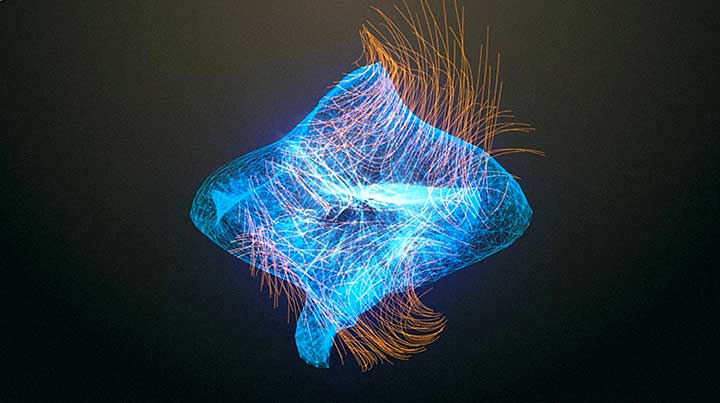
Learn Motion Graphics Techniques With Houdini

New Particle Flocker 2 Currently in Beta
maya

New Particle Flocker 2 Currently in Beta

HardMesh Preview Shows New Powerful Operators Stack
maya

HardMesh Preview Shows New Powerful Operators Stack

Model, Rig & Animate a Low Poly Character With Blender
Blender Modeling Tutorialsblender rigging tutorialblender3dBlender3D tutorialstutorials

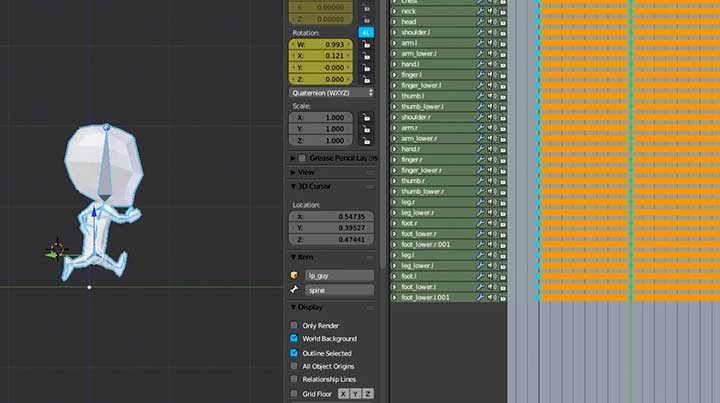
Model, Rig & Animate a Low Poly Character With Blender

Meet the New Fragment Designer in Fracture FX
maya

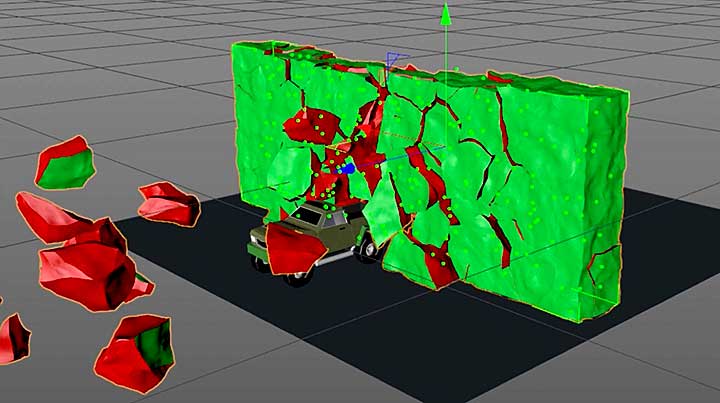
Meet the New Fragment Designer in Fracture FX

A Few Tips for R19's Voronoi Fracture
Cinema 4DCinema 4D tutorialtutorials

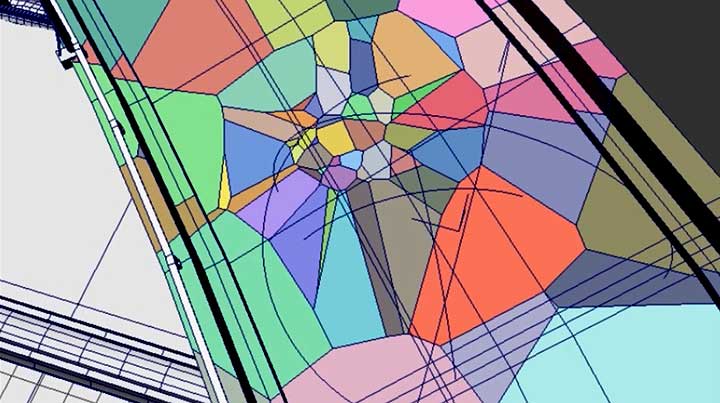
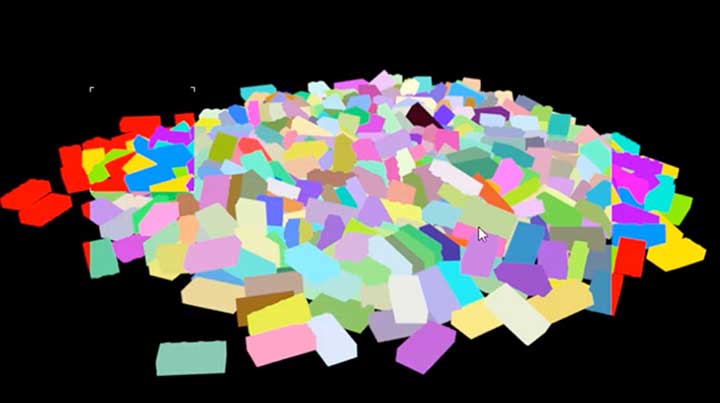
A Few Tips for R19’s Voronoi Fracture

How to Create Color-Coded Object IDs With Redshift
mayamaya rendering tutorialsmaya tutorialsRedShift

How to Create Color-Coded Object IDs With Redshift

ControlIt Convert Select Layer Properties to Expressions in One Click
after effects

ControlIt: Convert Select Layer Properties to Expressions in One Click

Splash FX Pro is a New All-Purpose Water Splash Asset for Maya
maya

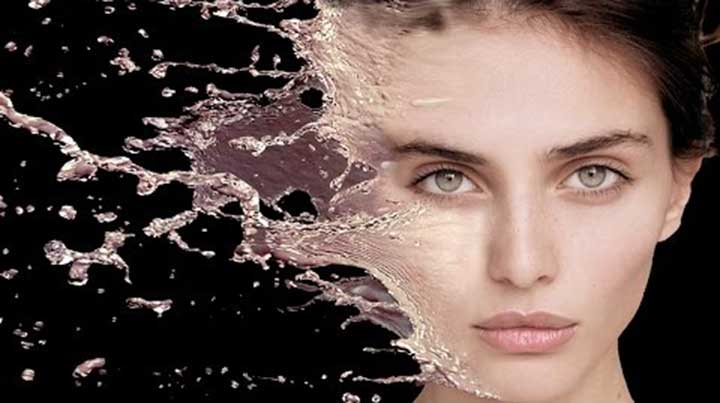
Splash FX Pro is a New All-Purpose Water Splash Asset for Maya

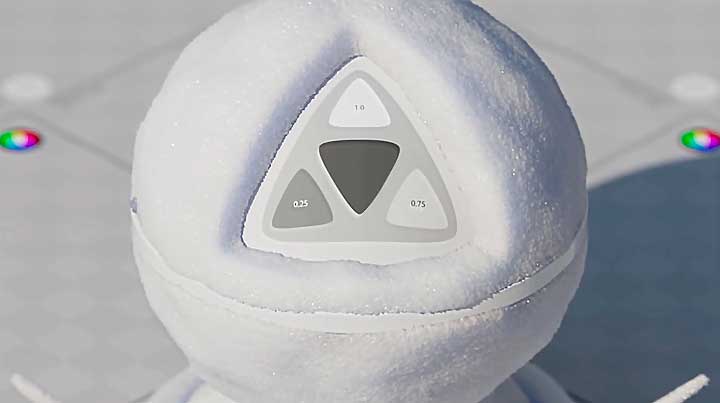
Create a Snow Shader With Arnold
Arnold Rendermayamaya rendering tutorialsmaya tutorialstutorials

Create a Snow Shader With Arnold

  • Previous
  • 1
  • …
  • 558
  • 559
  • 560
  • 561
  • 562
  • …
  • 1,778
  • Next
  • 4 Tips to Create Better Underwater Scenes With C4D and Redshift May 1, 2024
  • Siggraph Asia 2024 December 13, 2024
  • How to Relight VFX Elements Using a Normal Pass in After Effects December 3, 2021
  • Sauce 2 — Procrastination, from Animade November 20, 2016

LesterBanks Cookie Policy

Terms and Conditions

Disclosures


© 2025 Lesterbanks.

  • x-twitter
  • youtube
Close Menu
  • Daily News
  • Features
    • Articles
    • Featured Tutorials
  • Articles
  • Tutorial Library
    • After Effects Tutorials
      • Animation
      • Motion Graphics
      • Compositing
    • Blender Tutorials
      • Modeling
      • Dynamics
      • Rendering
    • Cinema 4D tutorial
      • Cinema 4D Modeling Tutorials
      • Cinema 4D Animation Tutorials
      • Cinema 4D Rendering Tutorials
      • Cinema 4D Xpresso Tutorials
    • Maya Tutorials
      • Modeling
      • Animation
      • Dynamics
      • Rigging
      • Texturing
      • Rendering
    • Mocha Tutorials
      • Tracking
      • Removal
      • Rotoscoping
    • MudBox Tutorials
      • Sculpting
      • Workflow
    • Nuke Tutorials
    • Houdini Tutorials
    • RealFlow Tutorials
    • Rendering Tutorials
      • Arnold Render Tutorials
      • V-Ray Tutorials
    • Softimage Tutorials
    • SynthEyes Tutorials
    • ZBrush Tutorials
  • Contribute
  • About
  • Contact